Lexmark W850
Articolo di assistenza per Lexmark W850
202 or 280 Paper Jam message
Issue description
The printer/MFP stops printing and displays a Paper Jam message, and the numeric error code displayed is a 202 or a 280 type error message*. Select Show areas on the operator panel to view images that will help you locate where the jam is occurring.
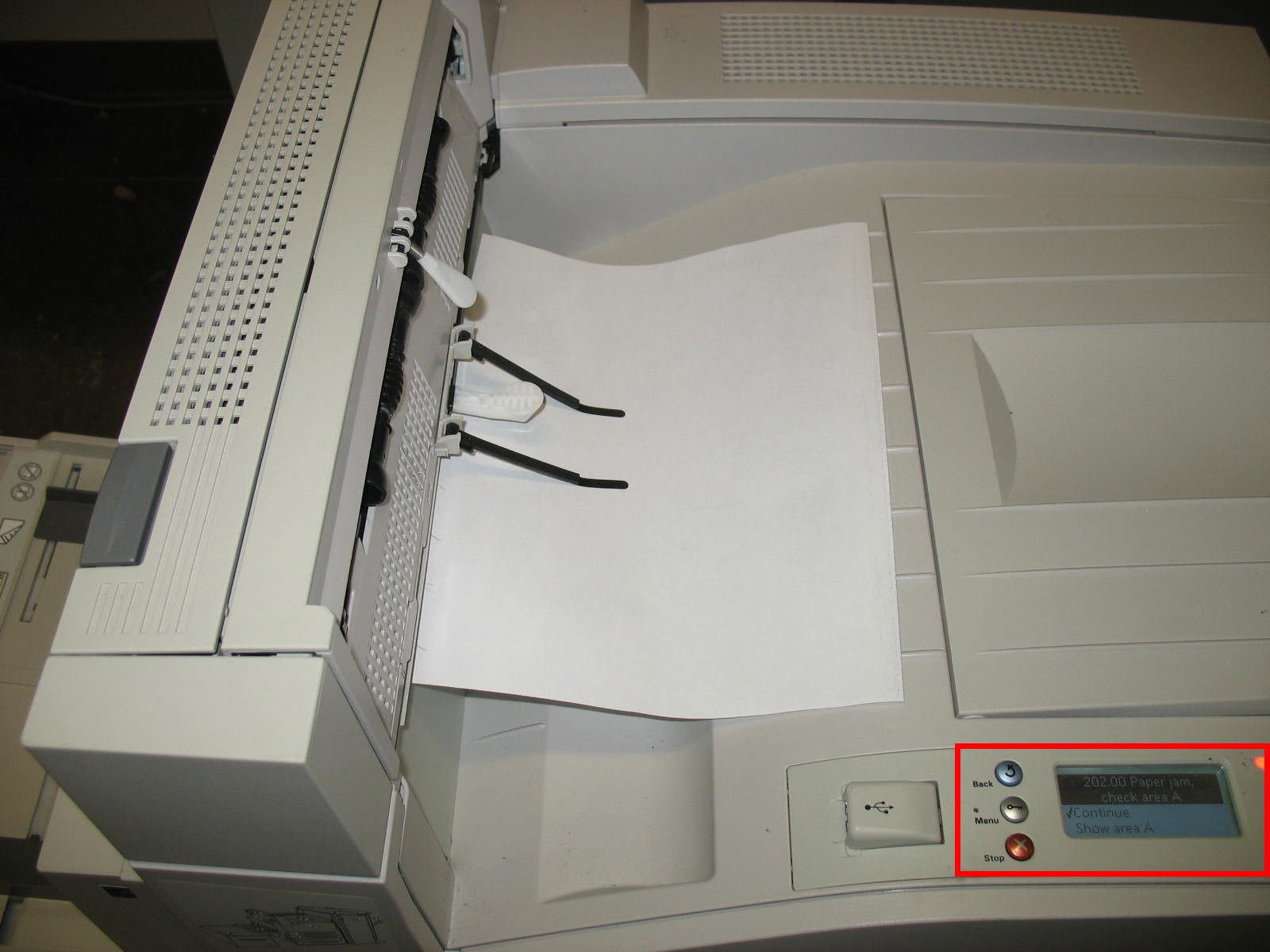
Understanding jam numbers and locations
- A 202 Paper Jam error code – jam location is in Door A.
- A 280 Paper Jam error code with an installed finisher – jam location is either in Door A or in Door F.
Note: Two-digit suffix numbers accompany this error. Examples include 202.00, 202.10, 280.01, 280.16, etc.
Affected Products
- Lexmark W840 Series Printers
- Lexmark X85xe Series MFPs
- Lexmark W850 Series Printers
- Lexmark X86xe Series MFPs
An x denotes any number within a product series.
LEGACY ID: TE385
Valuta questo articolo
Grazie per il feedback. Lo utilizzeremo per identificare i contenuti che devono essere aggiornati in termini di precisione o utilità.
Grazie per il feedback!