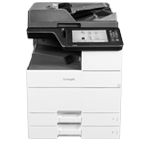
Printer features: Laser, multifunction, black & white
Lexmark XM9145 Support
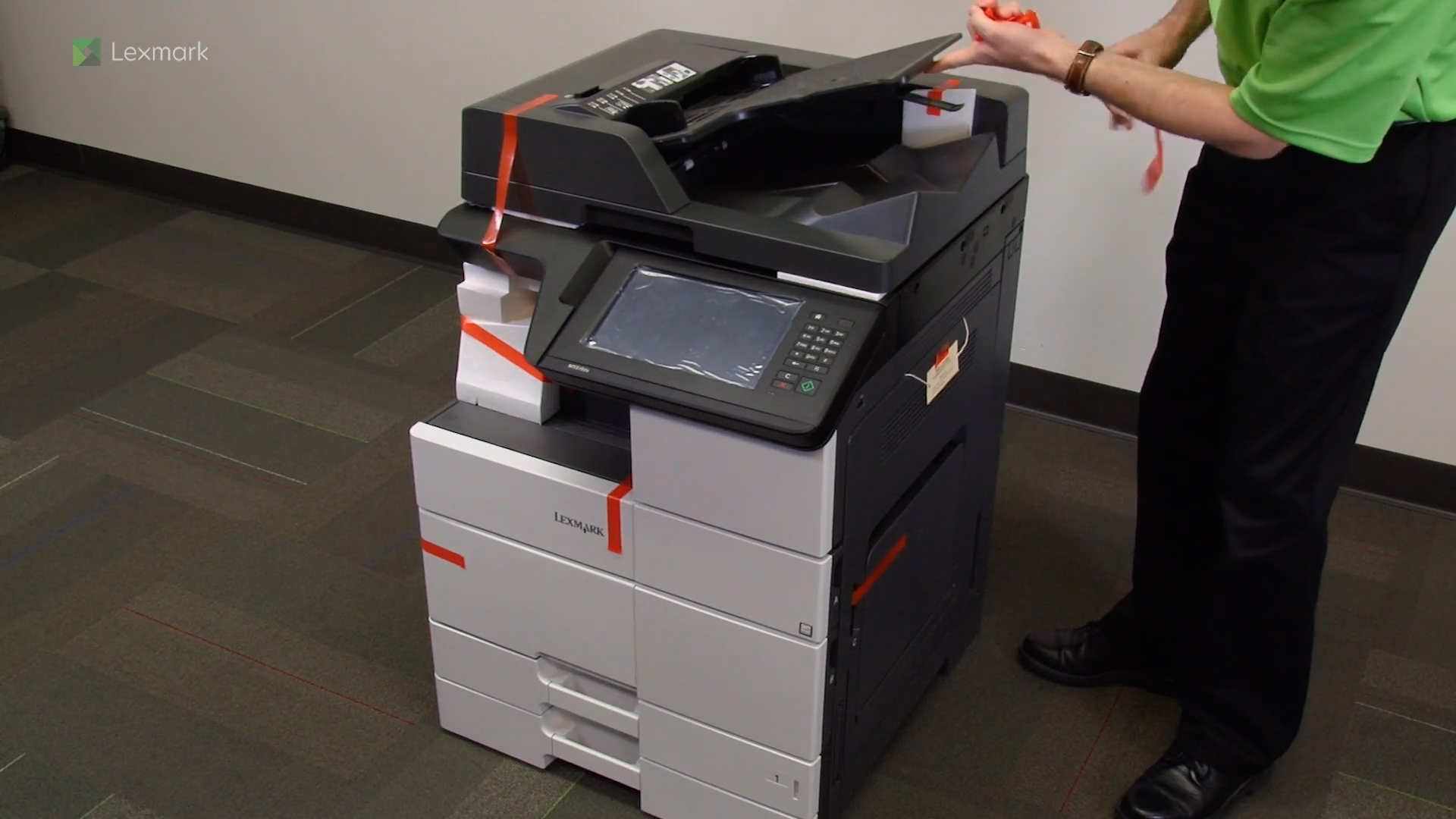
Learn how to set up your new printer.
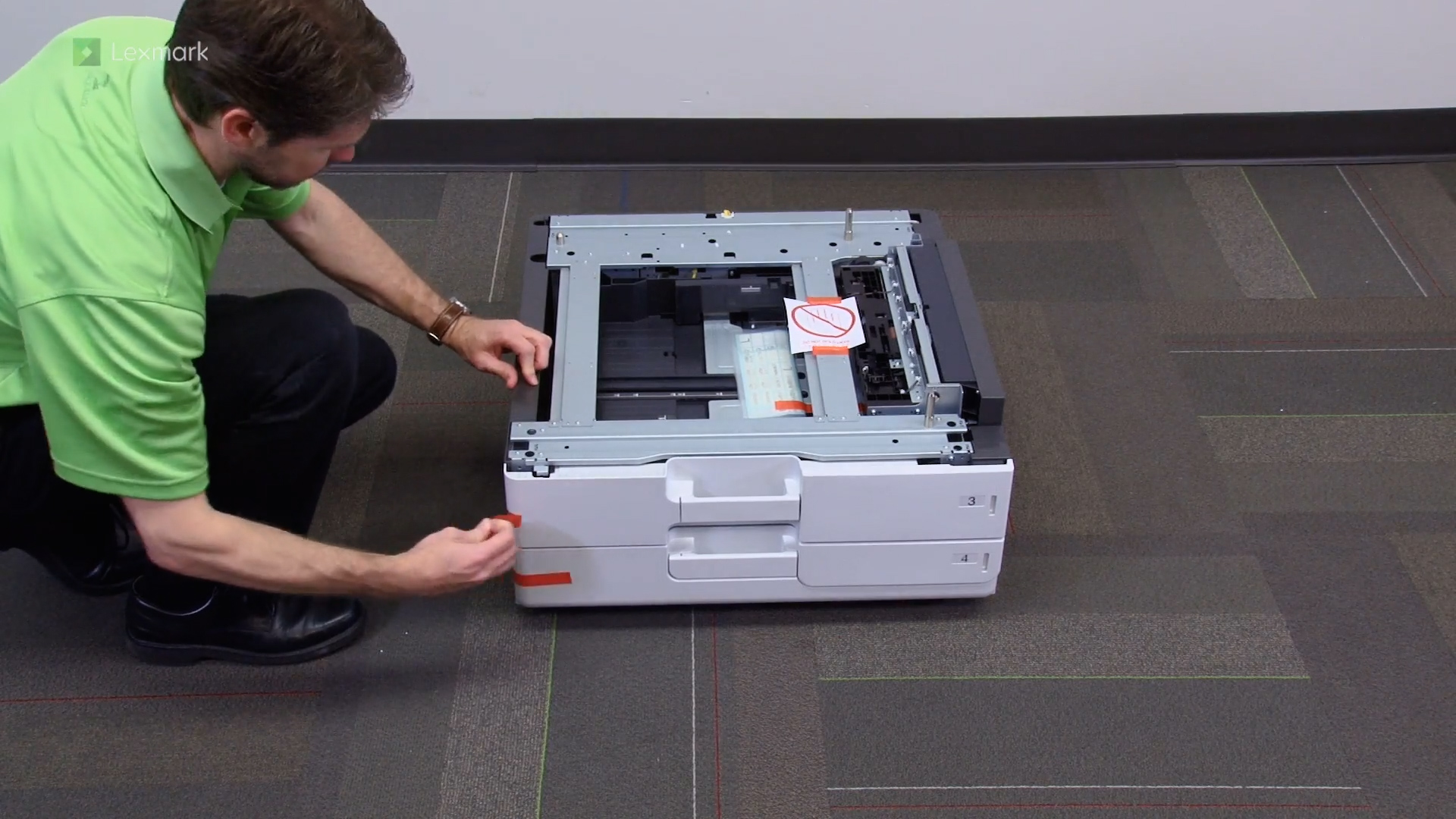
Learn how to install the 2 x 500-sheet tray.
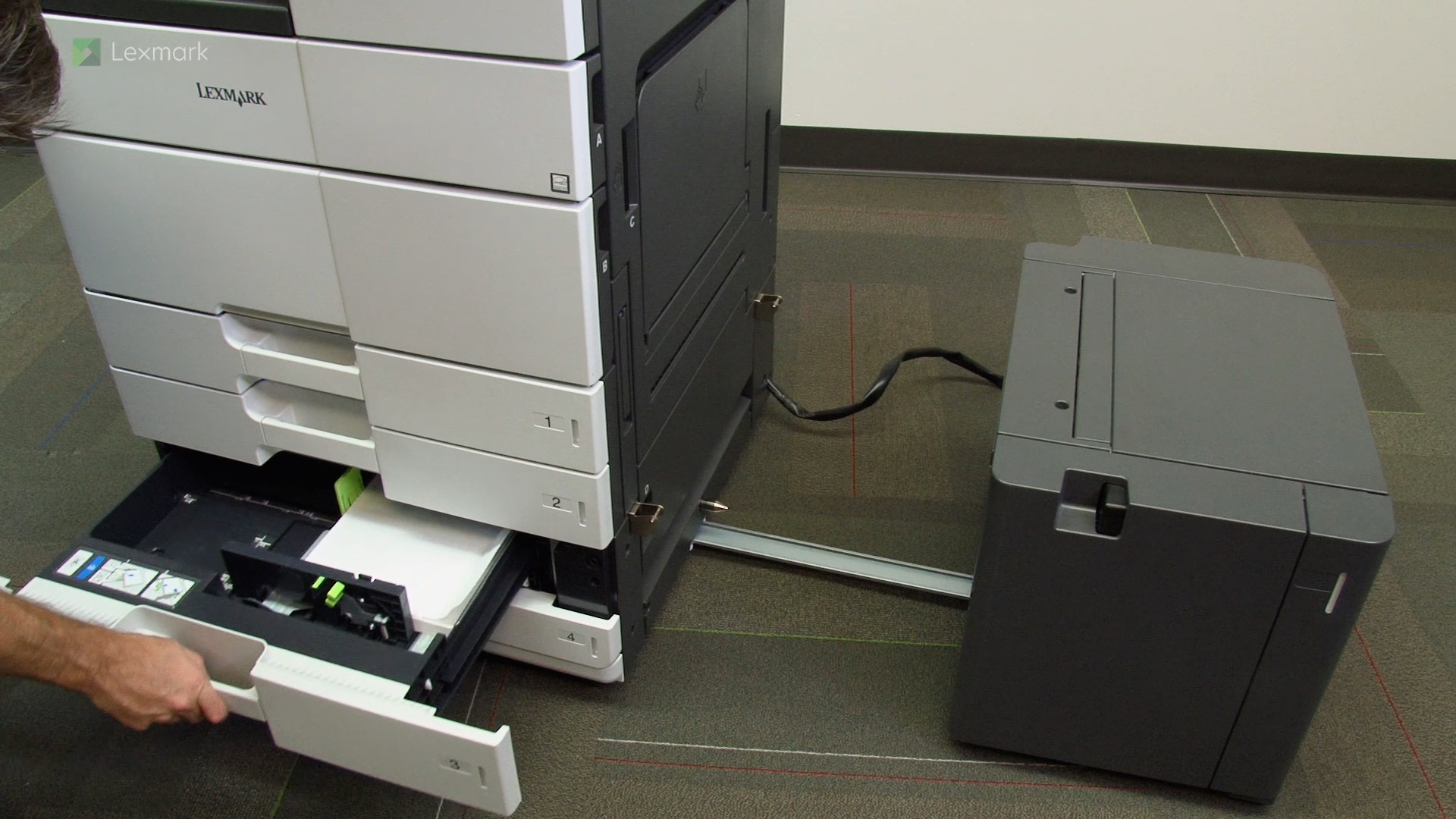
Learn how to install the 3000-sheet tray.
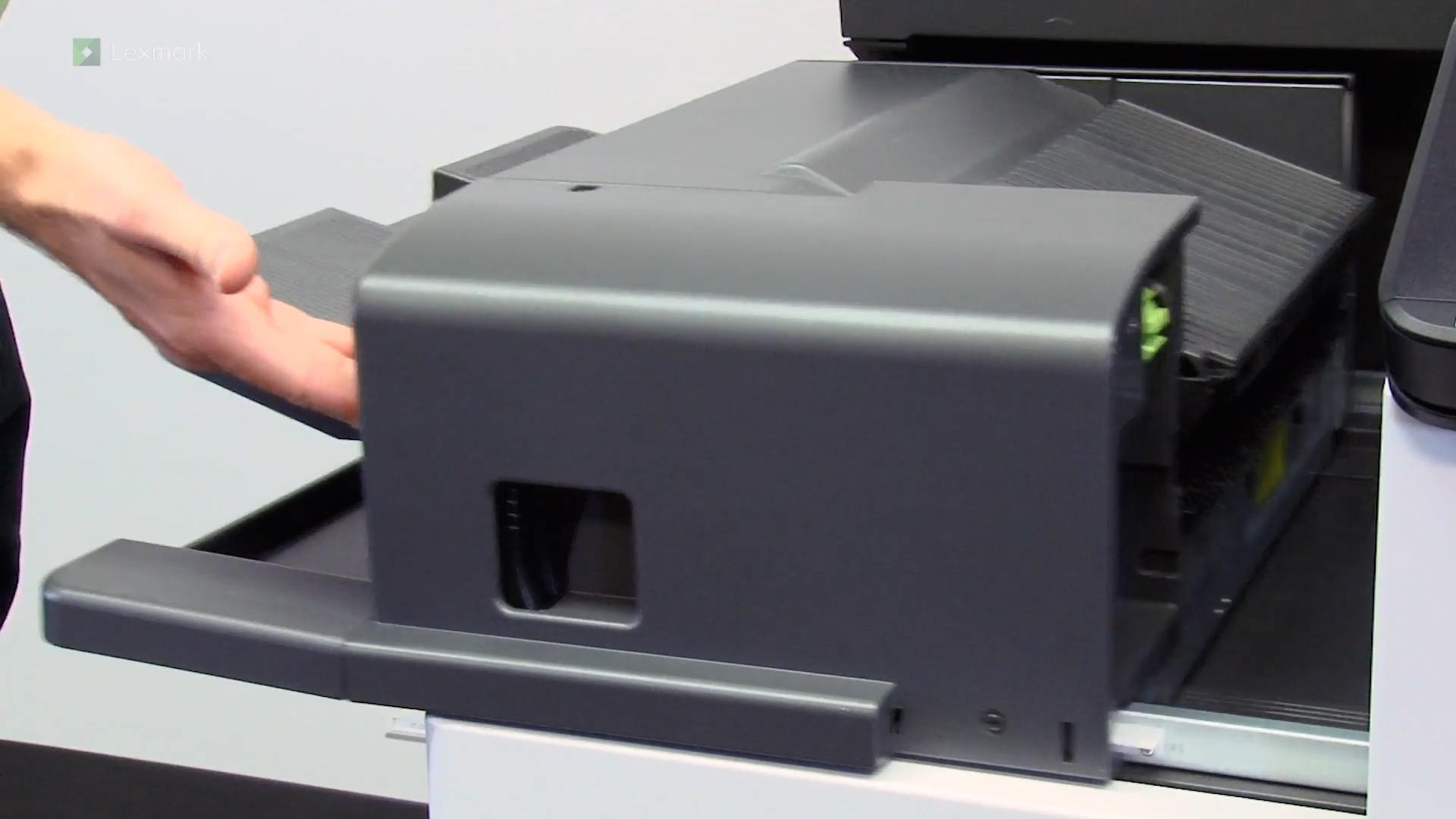
Learn how to install the staple finisher.
Learn how to install the booklet finisher.
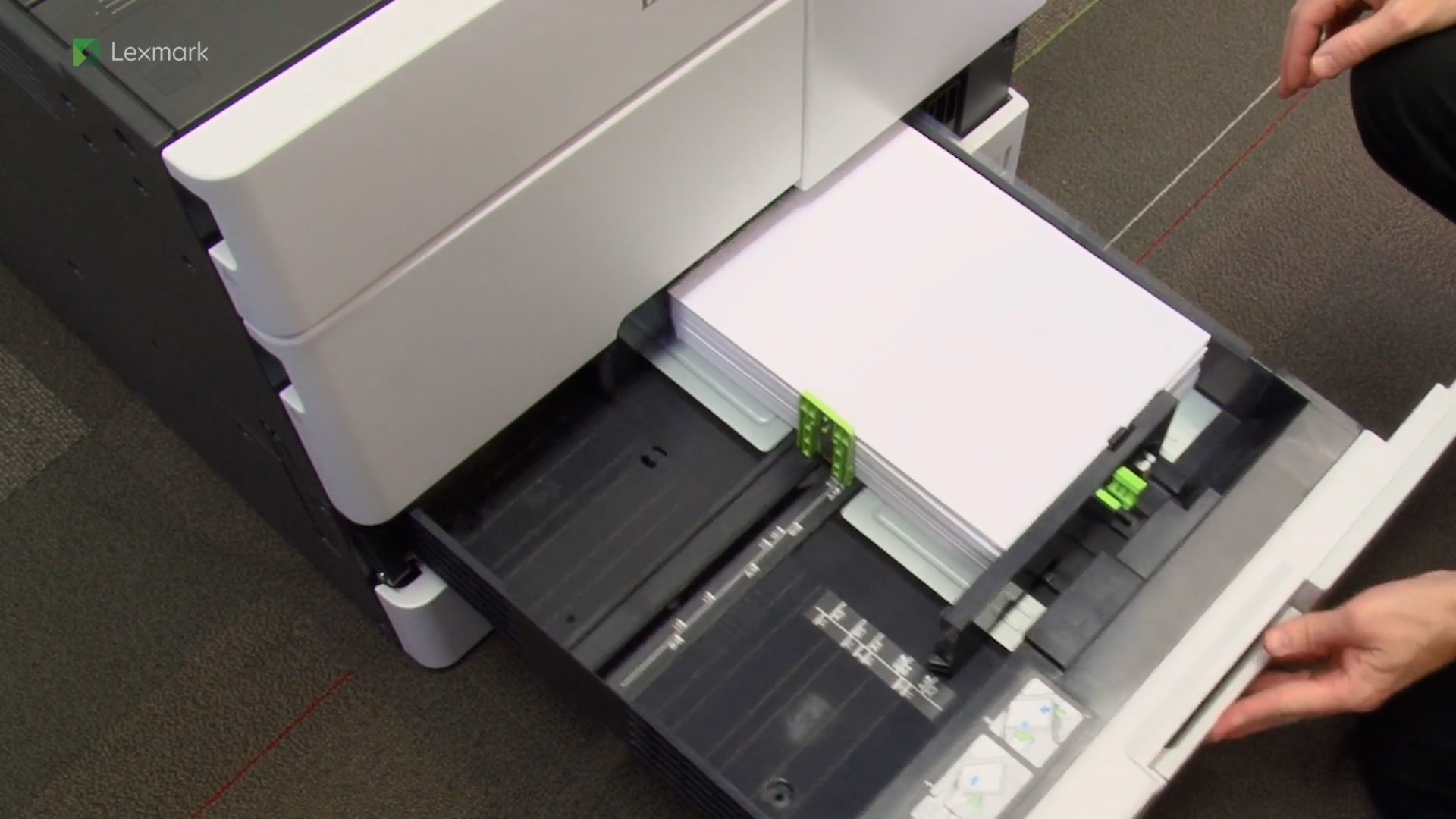
For reliable printing results, use these instructions to load paper properly into the trays.
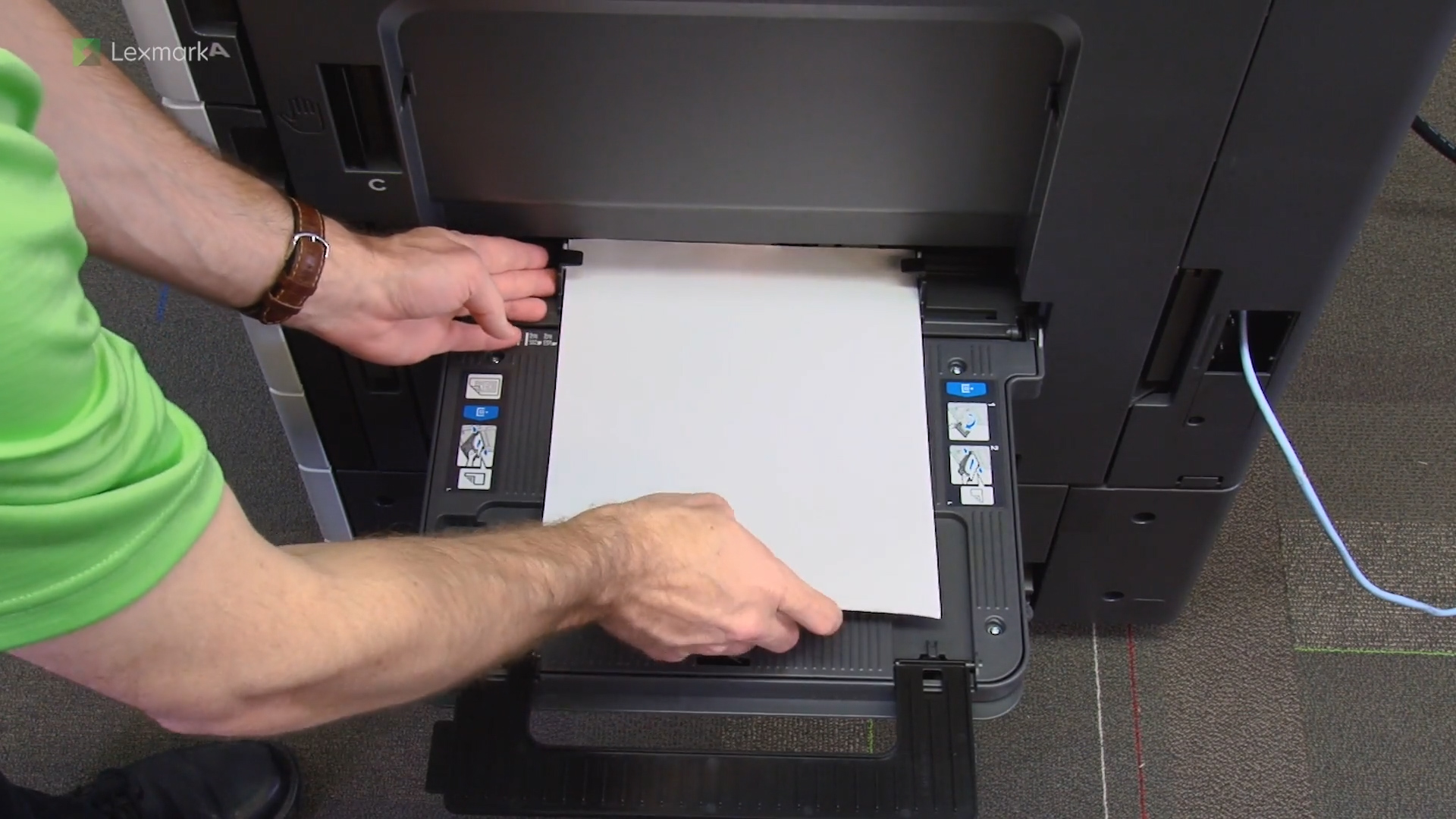
Learn how to use multipurpose feeder (MPF).
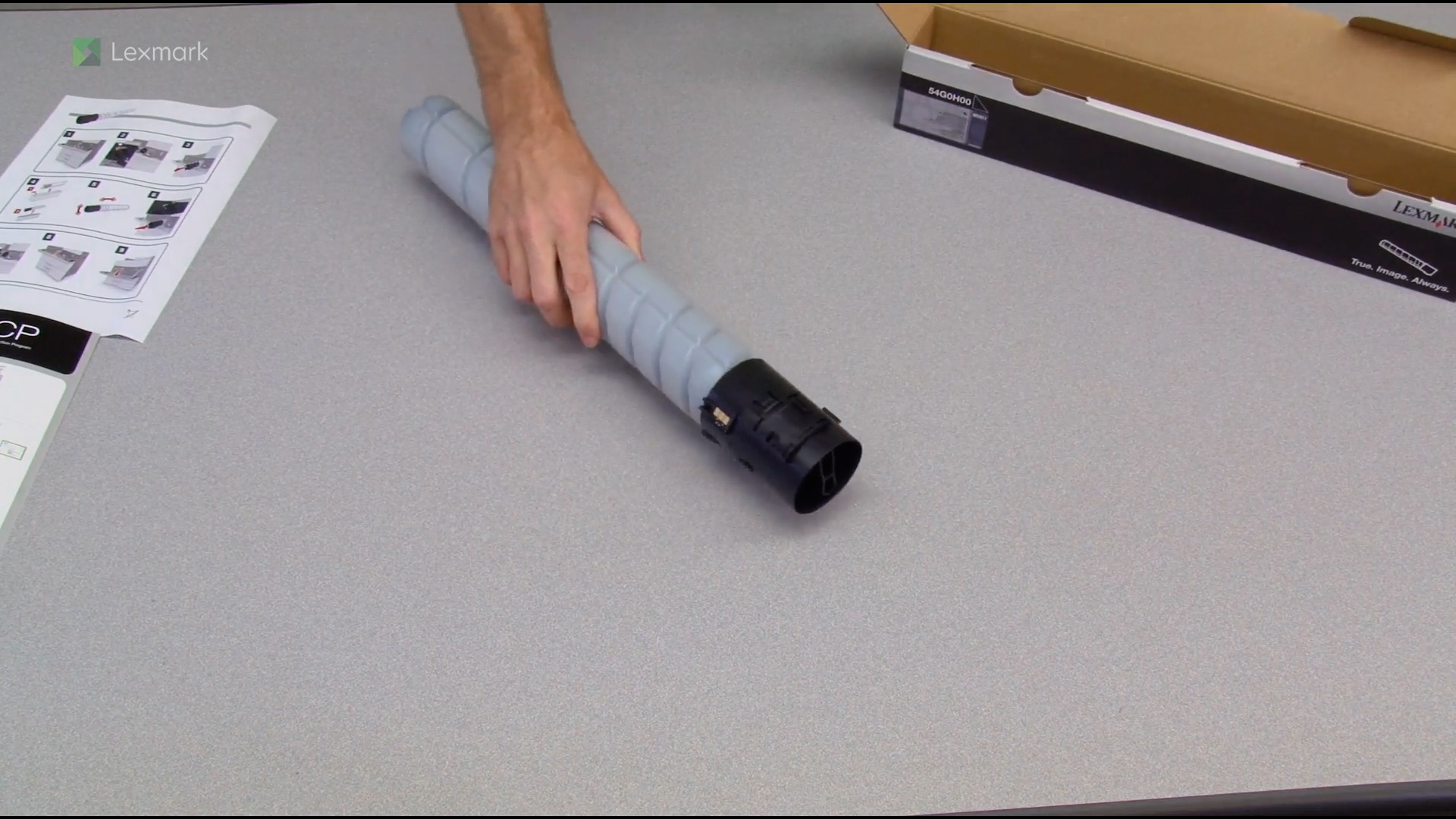
Install a new toner cartridge when the replace cartridge message appears.
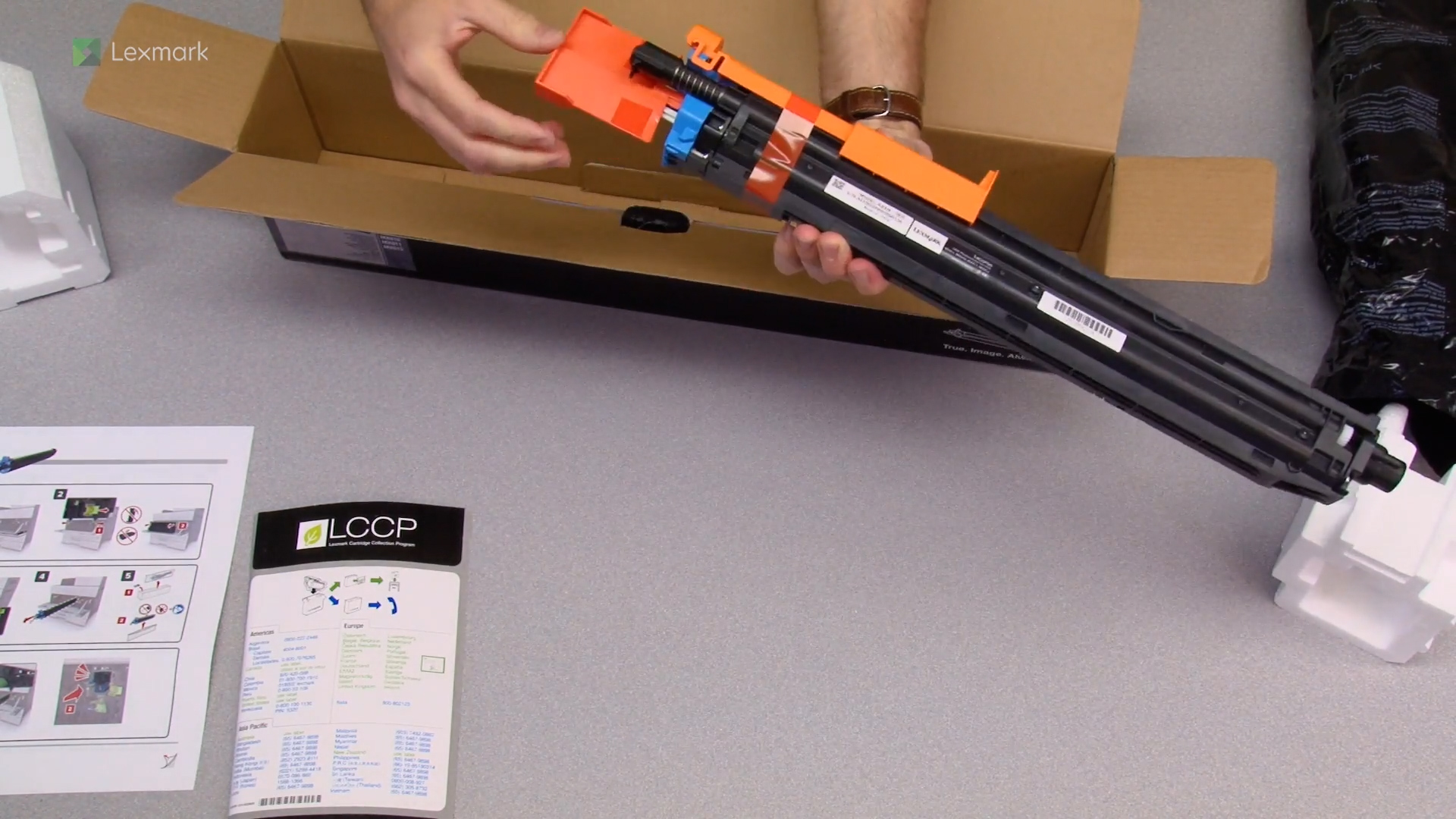
Learn how to install a replacement photoconductor unit on your printer.
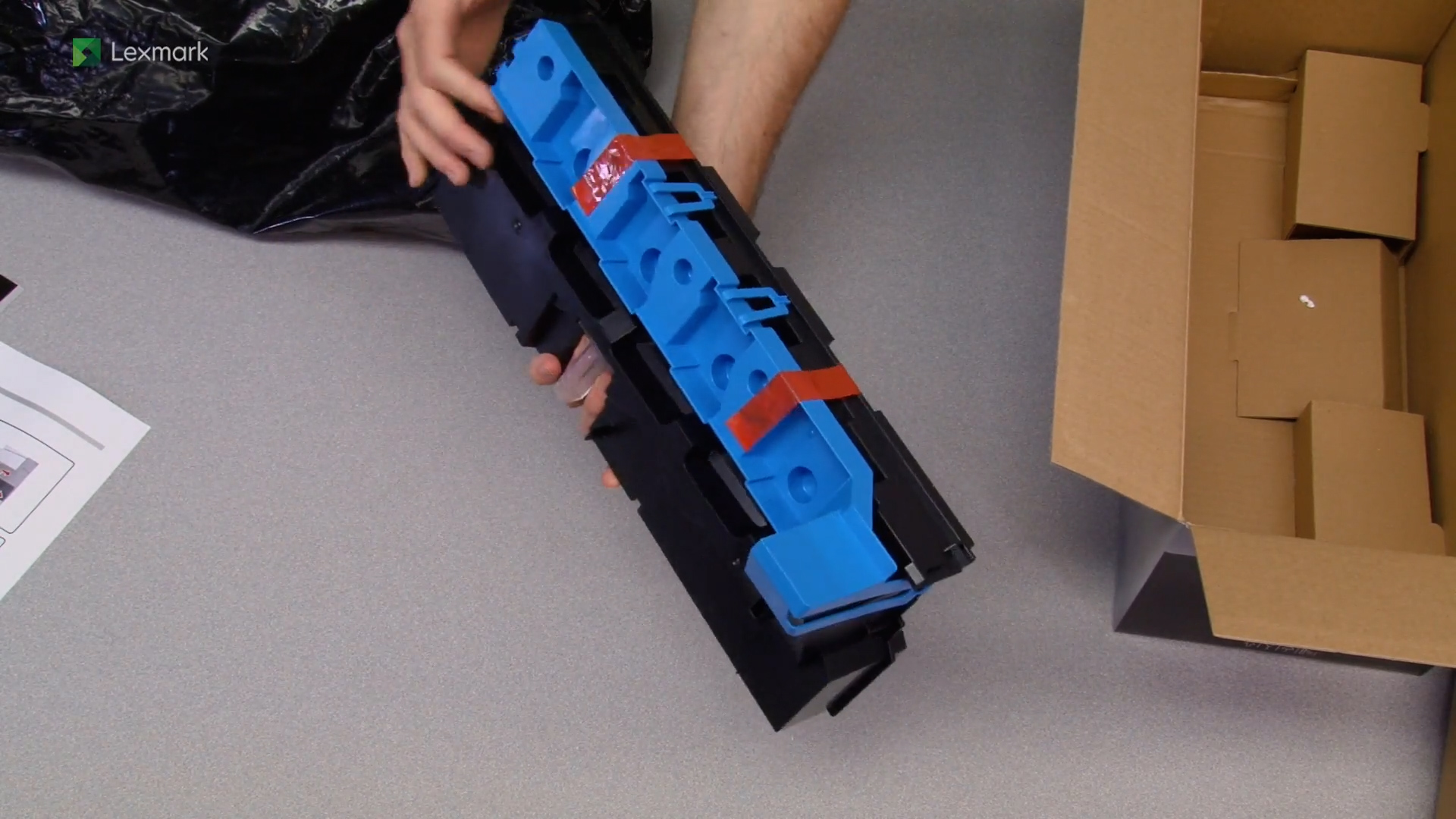
Learn how to replace the waste toner bottle of your printer. Changing the waste toner bottle regularly prevents toner spillage.
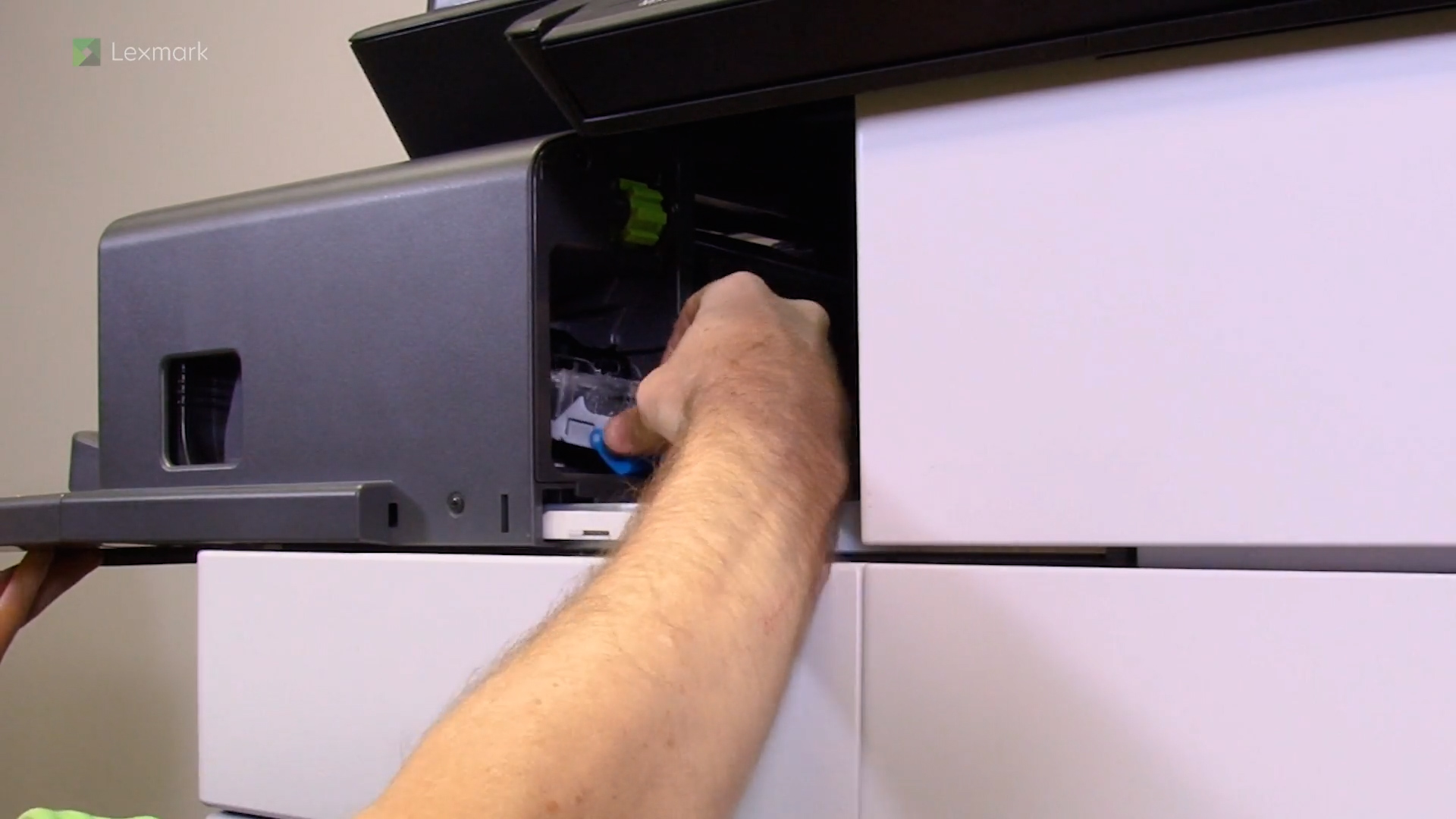
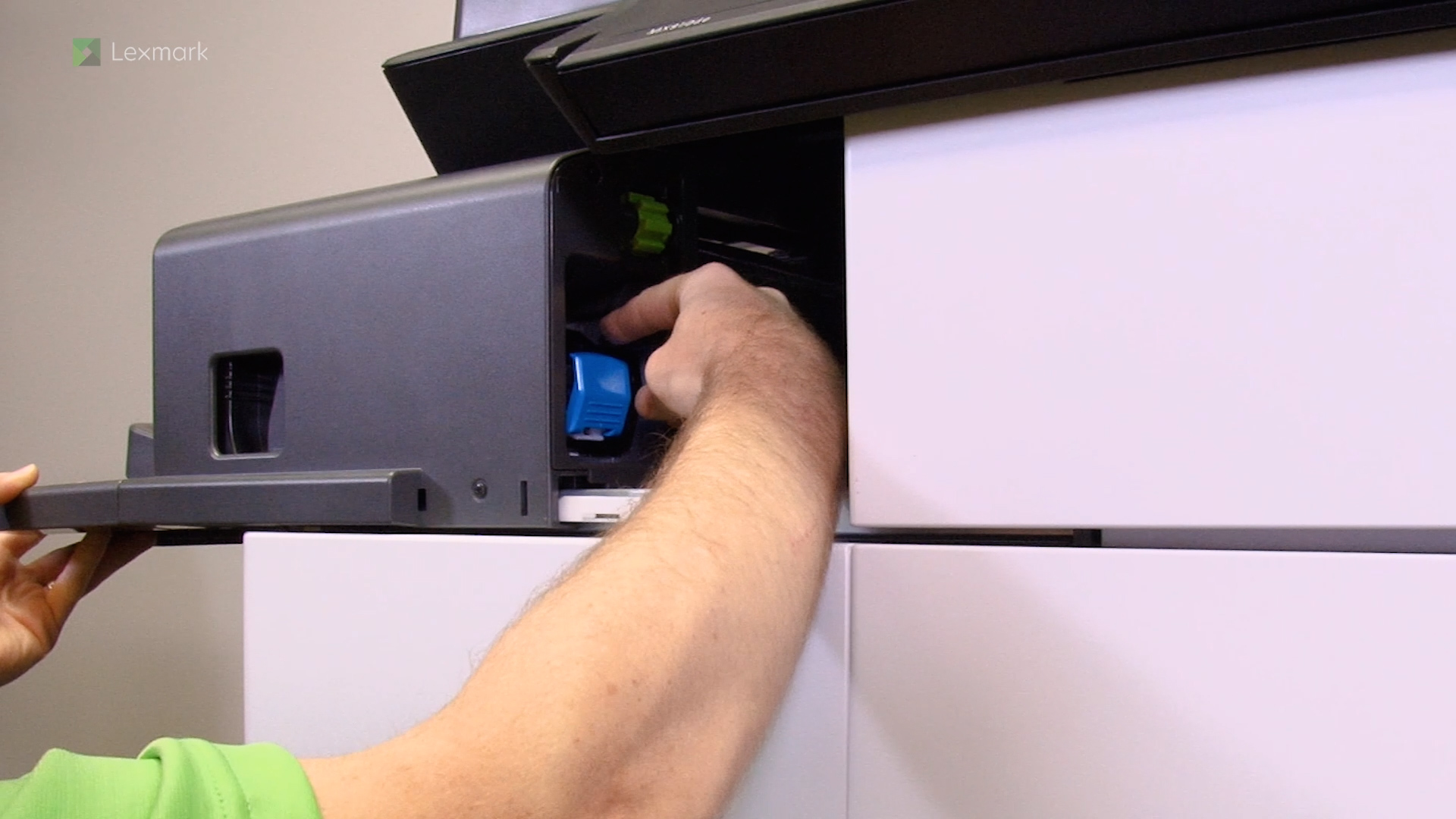
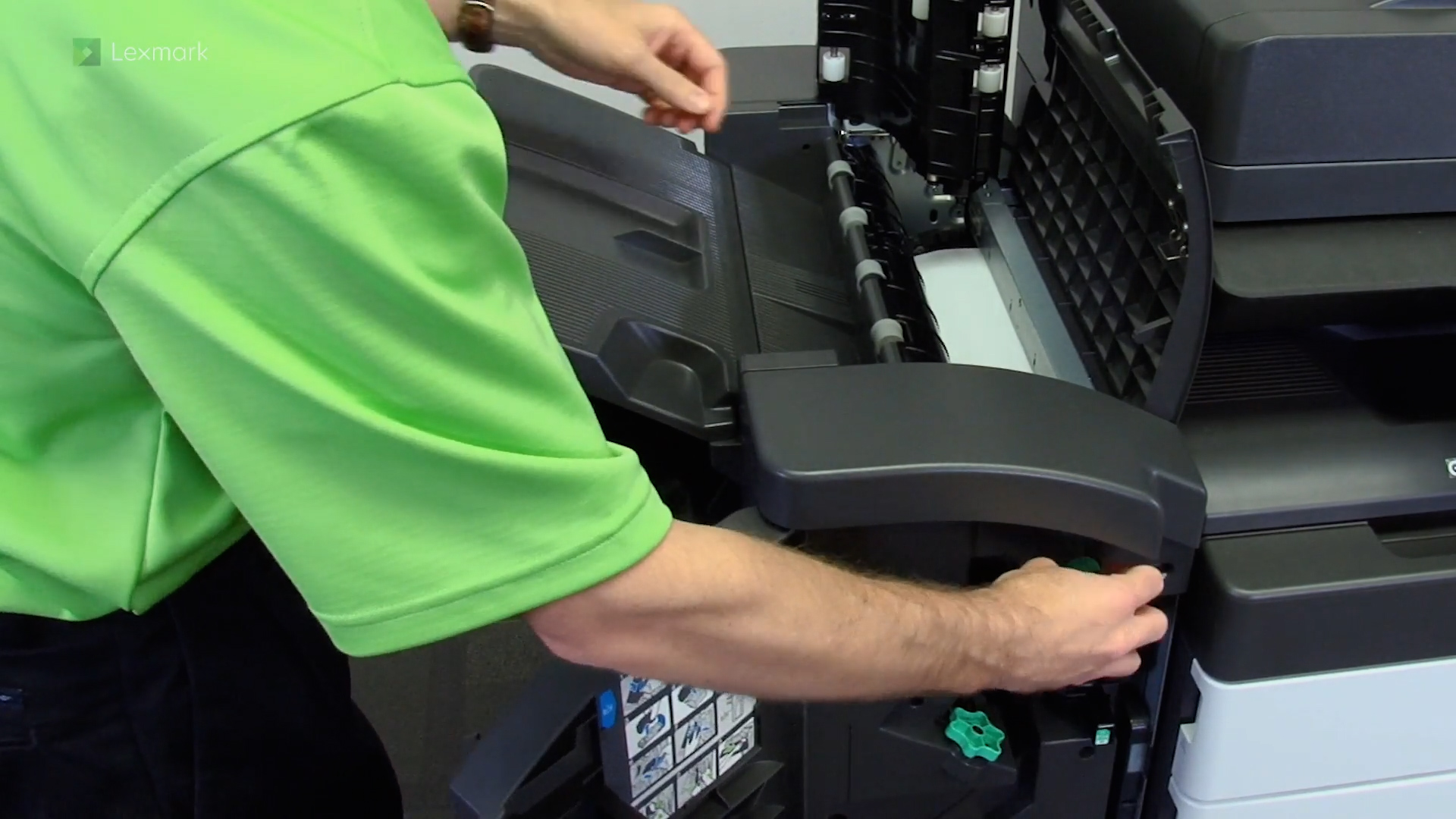
Follow these steps to replace the staple cartridge in the staple finisher to continue stapling your printed outputs.
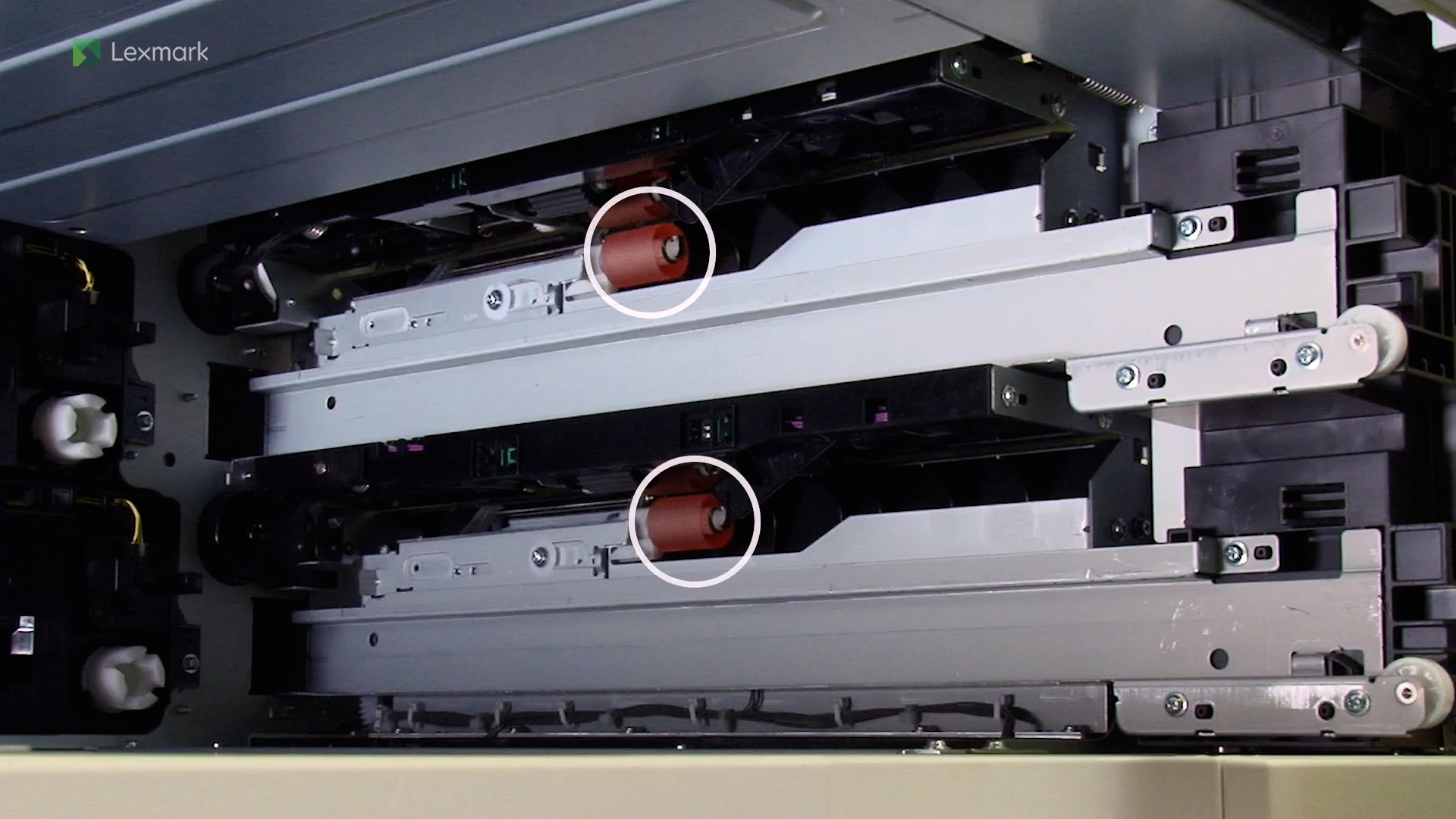
Learn how to replace the pick, feed, and separator rollers.
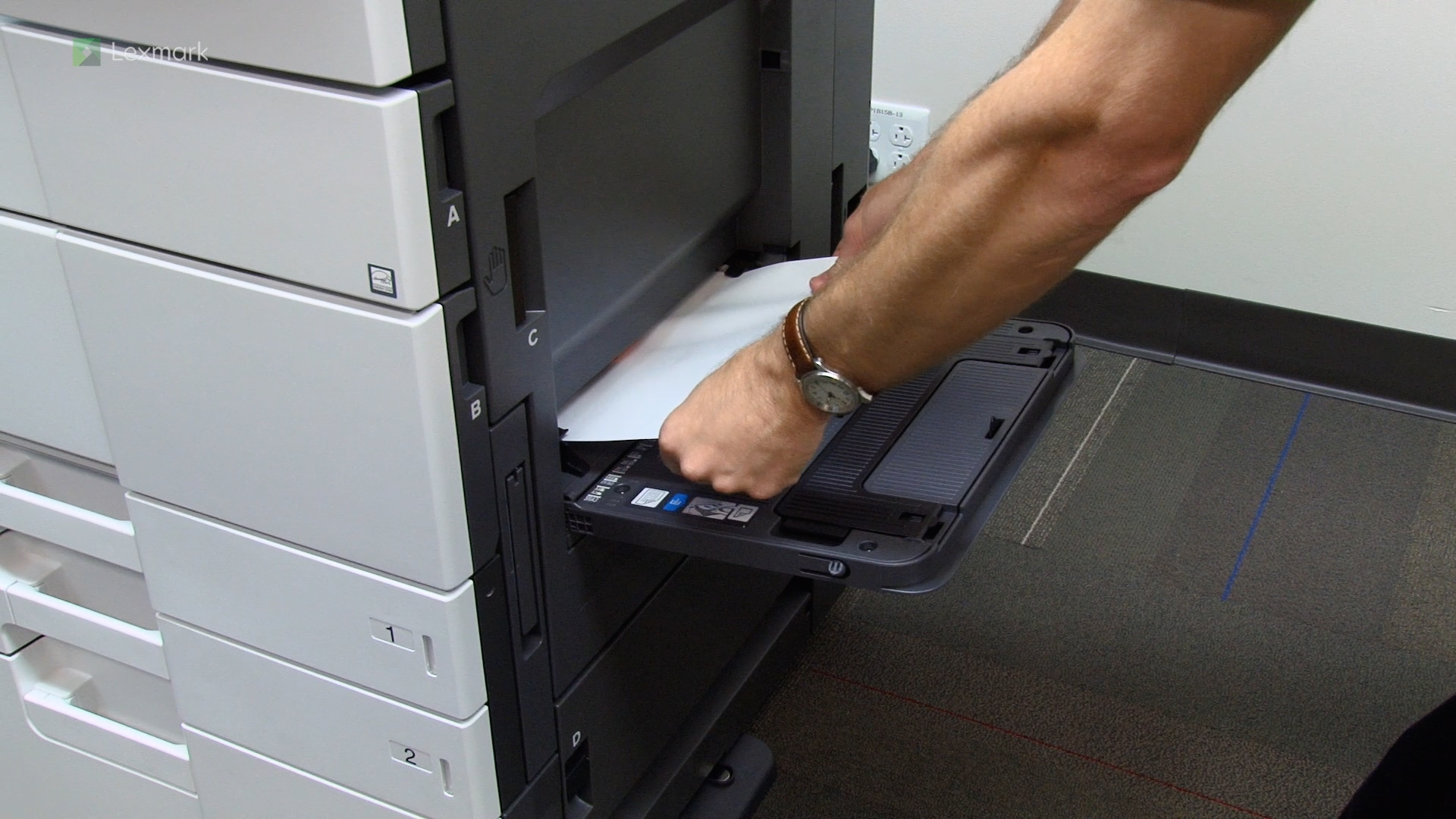
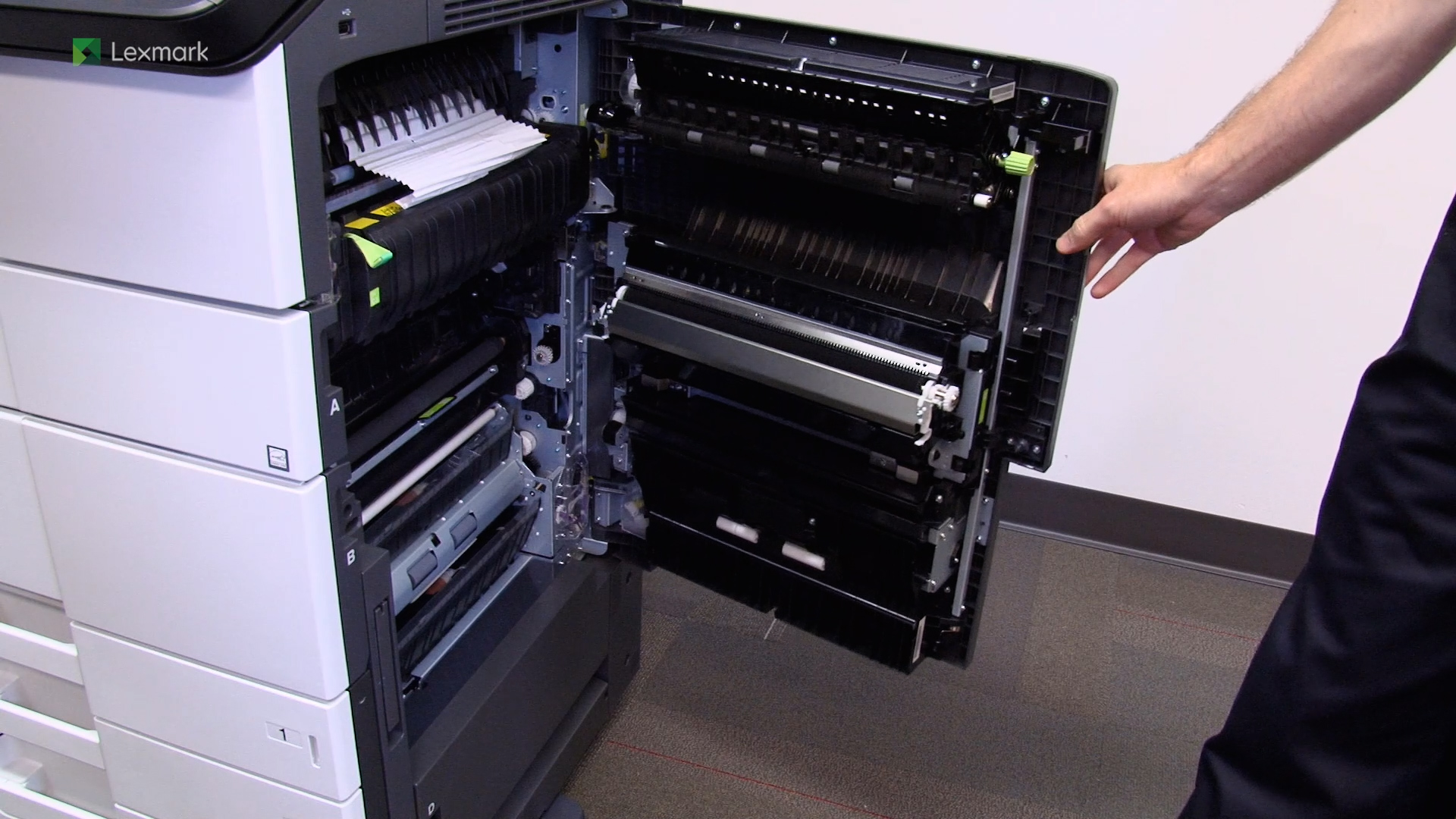
Learn how to clear 200.xx paper jams.
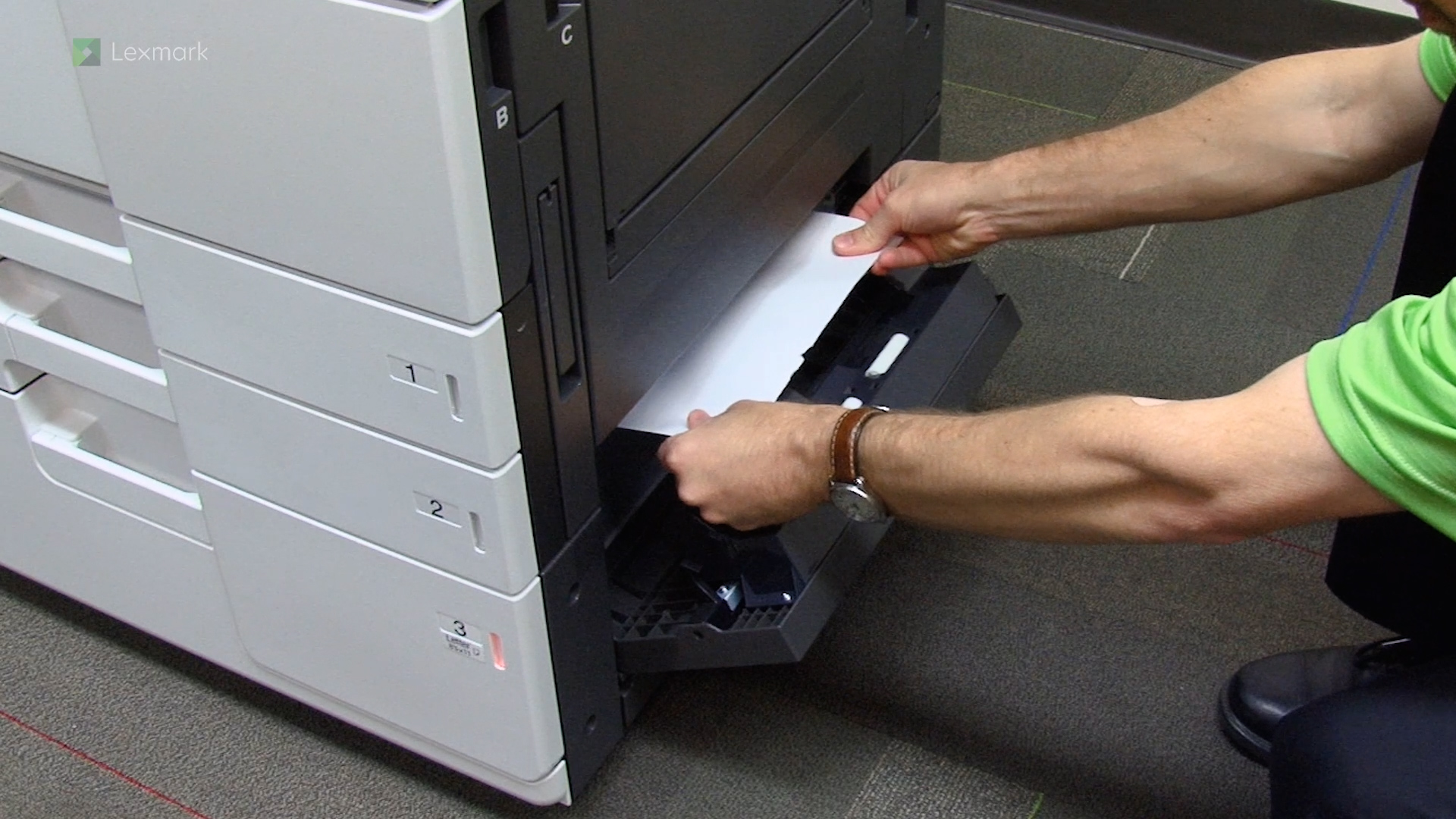
Learn how to clear 2yy.xx paper jams.
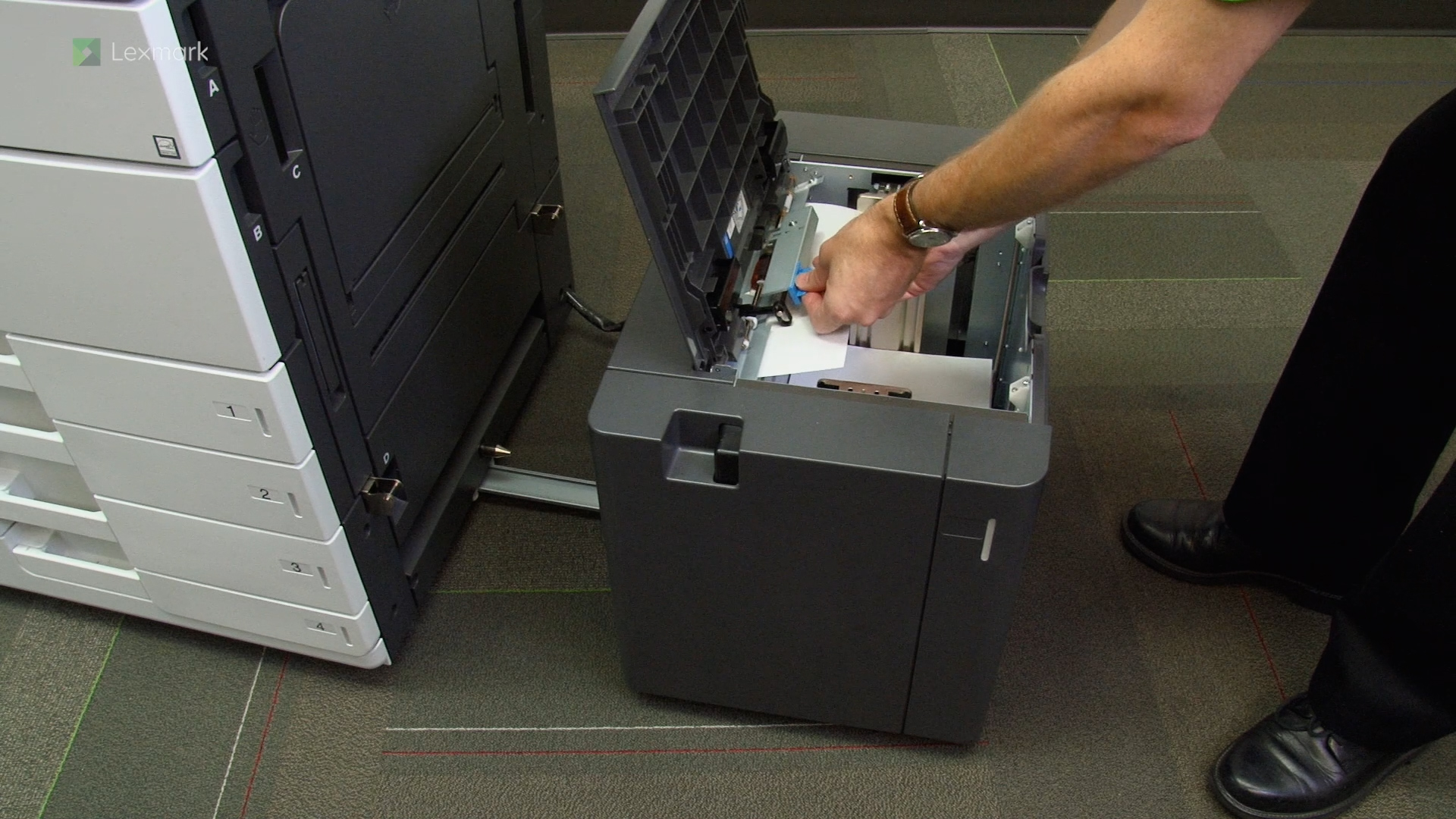
Learn how to fix 24y.xx errors or clear door C and 3000-sheet tray paper jams
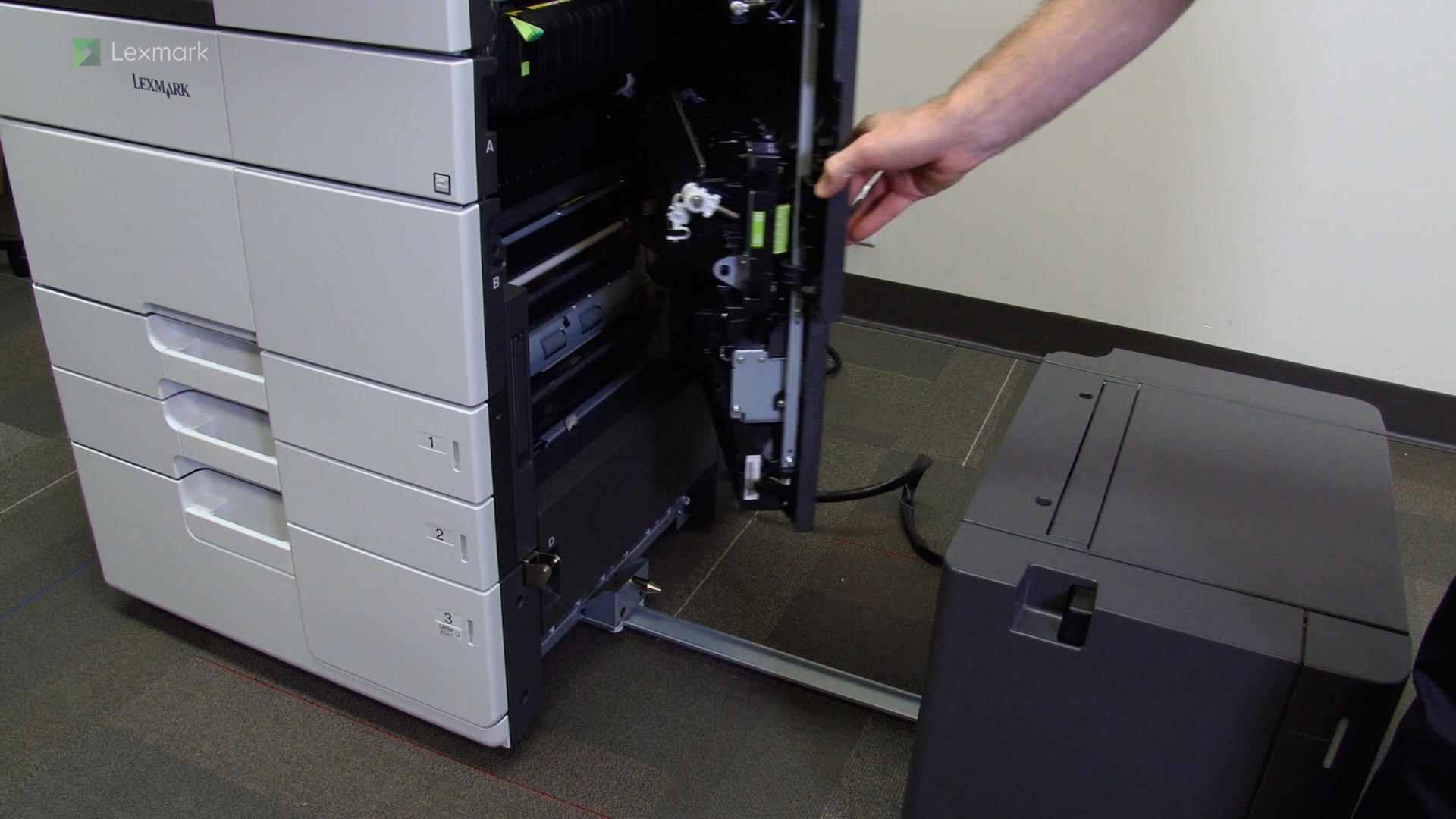
Learn how to fix 24y.xx errors or clear door D paper jams
Learn how to fix 24y.xx errors or clear door D and 3000-sheet tray paper jams
Learn how to fix 24y.xx errors or clear door C, F, and 3000-sheet tray paper jams
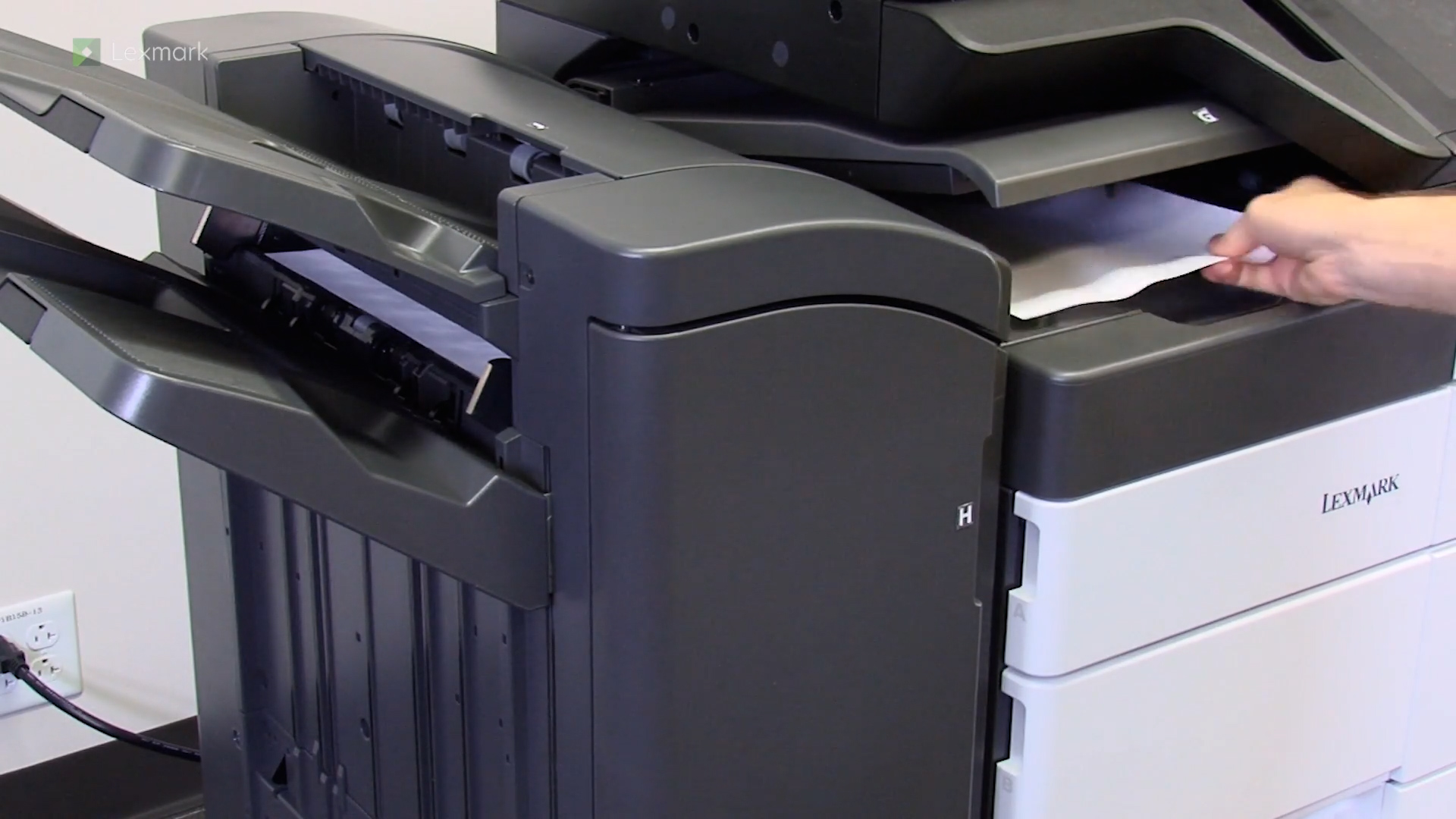
Learn how to clear errors 4yy.xx, and clear the jams in doors G, H, and J
Learn how to fix 40y.xx errors or clear door C, F, and 3000-sheet tray paper jams
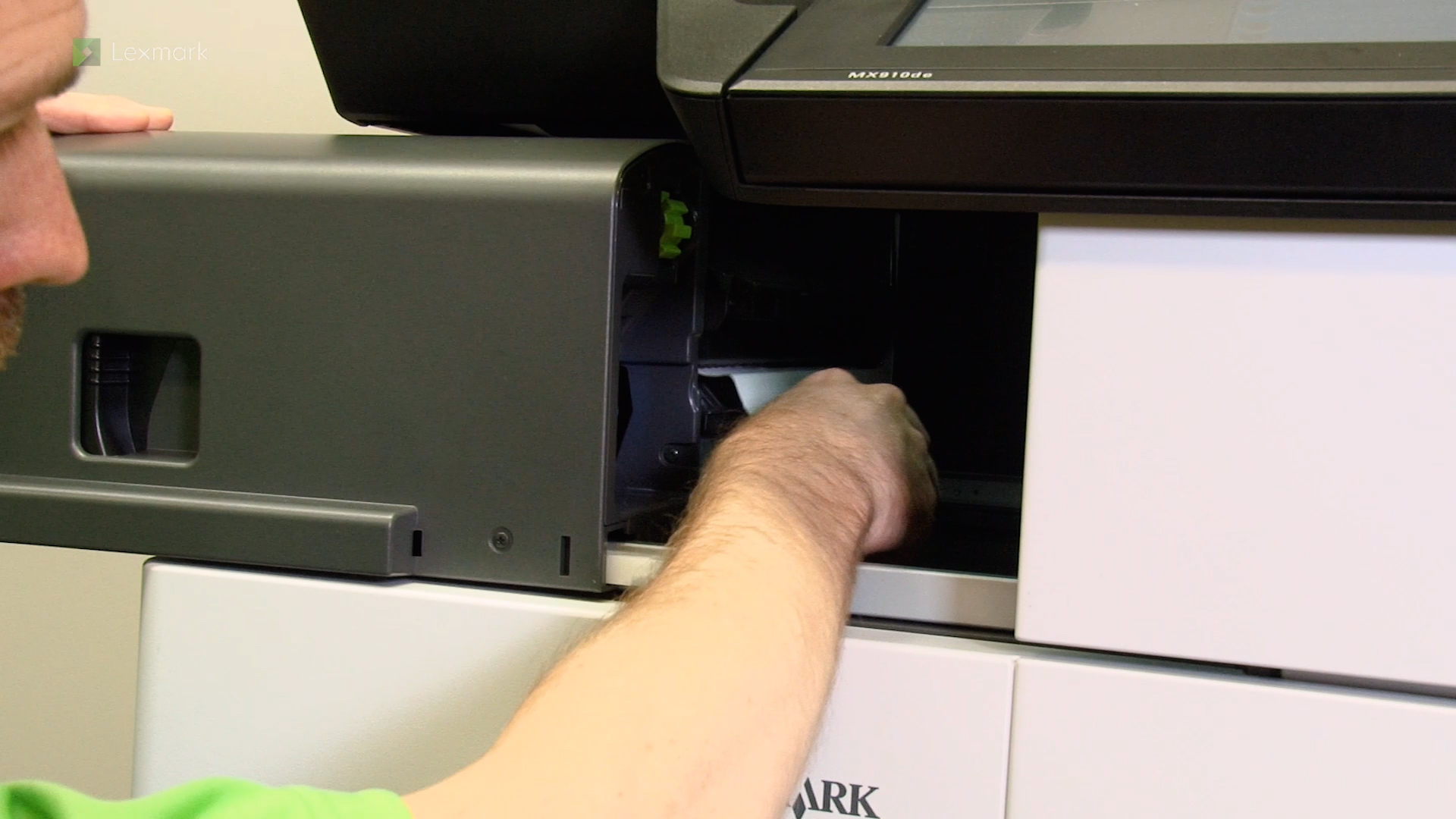
Learn how to fix a 402.93 error or clear staple finisher jams
Learn how to clear errors 426.xx, 428.xx, and clear the jams in door G