Printer features: Laser, multifunction, black & white
Lexmark MX432 Support
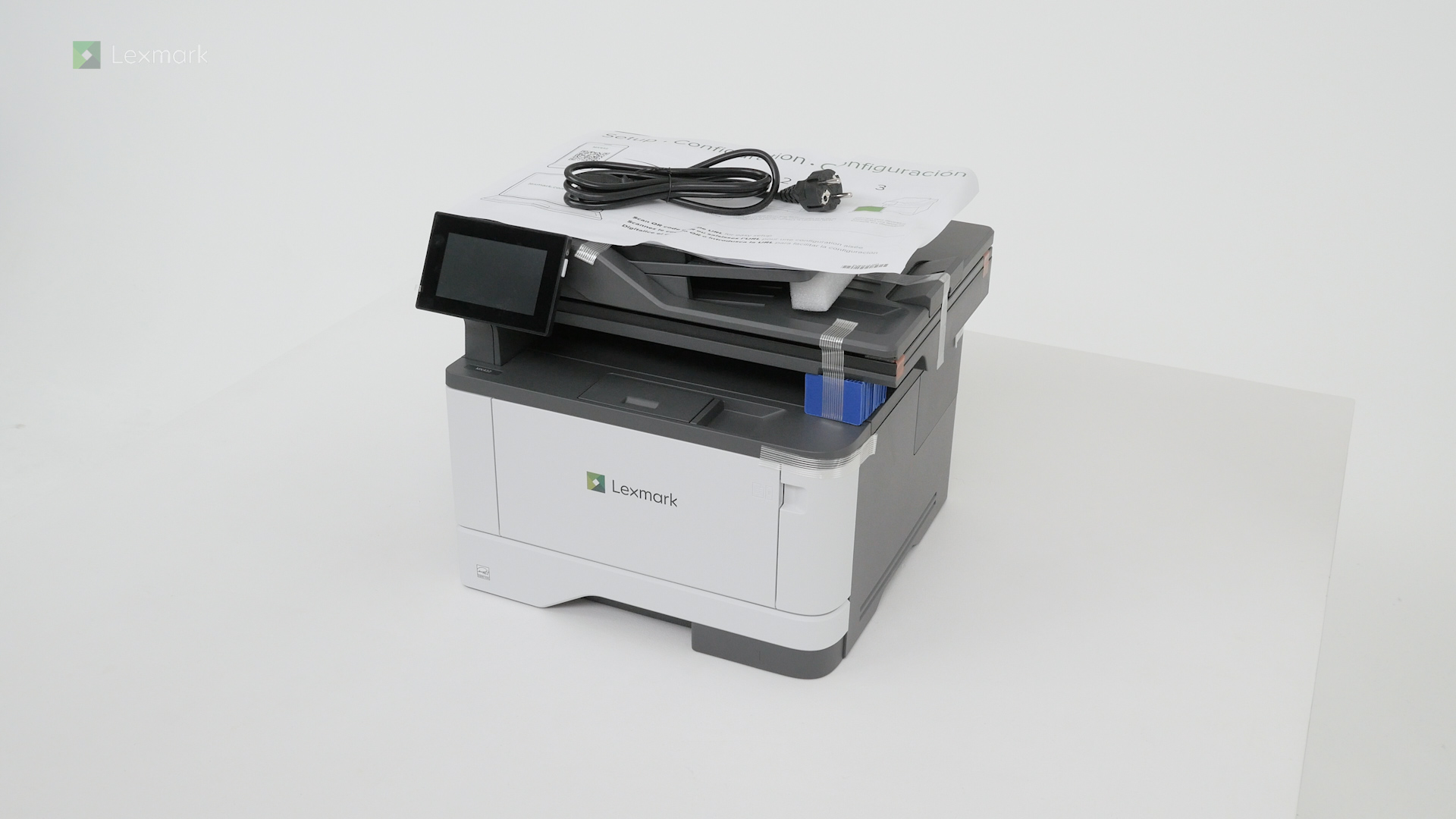
Learn how to set up your new printer.
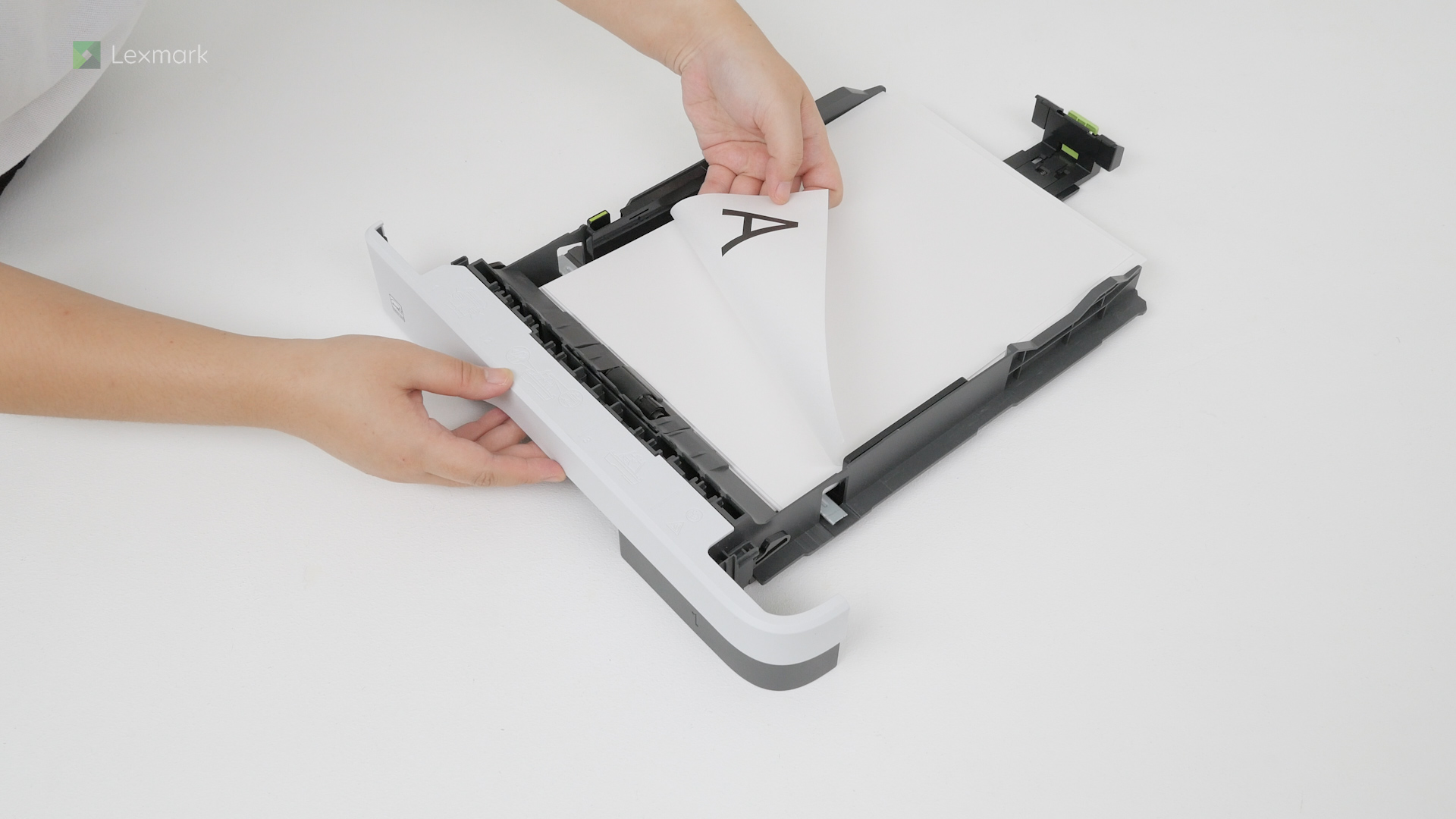
For reliable printing results, use these instructions to load paper properly.
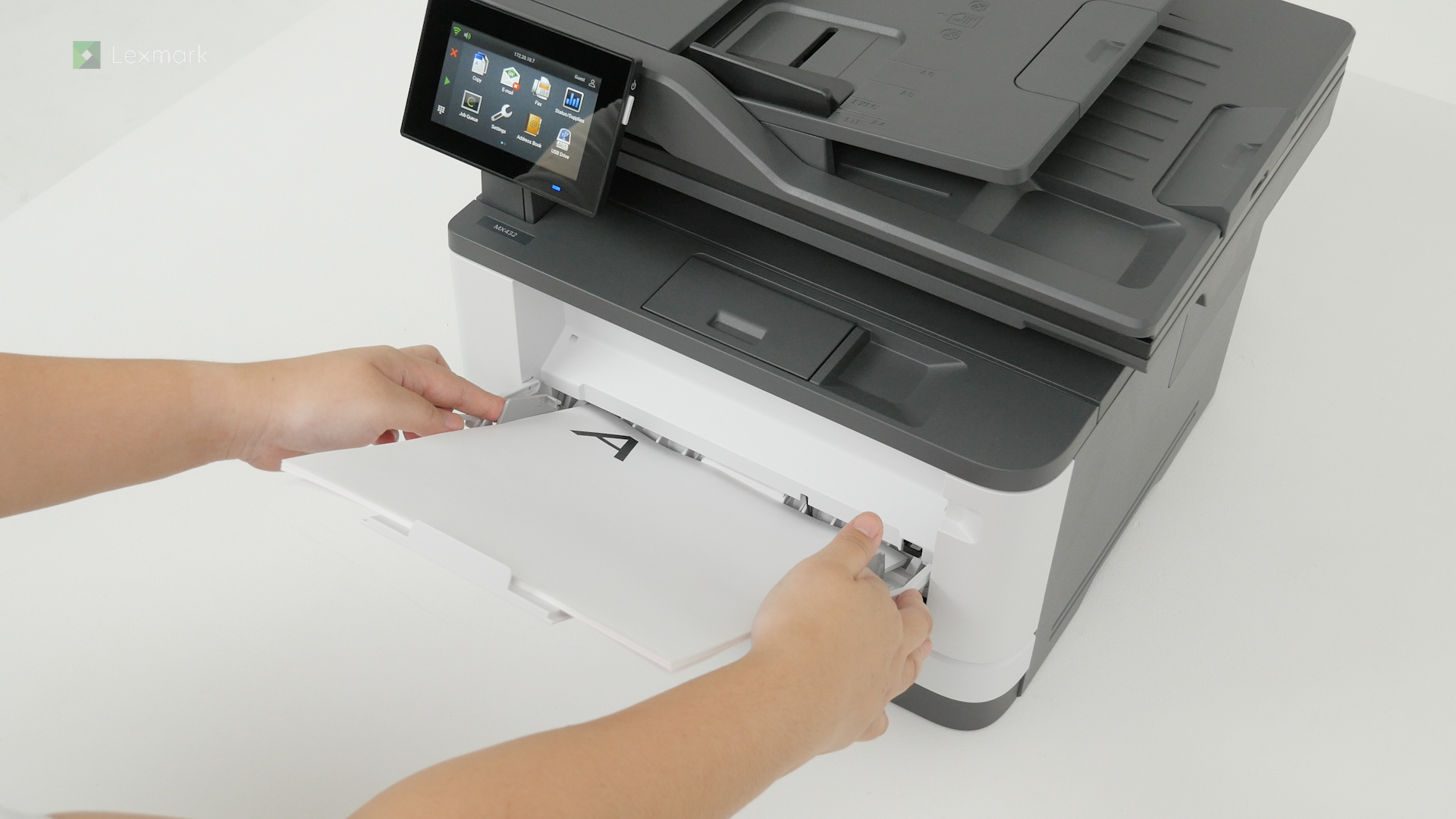
Adjusting the guides when loading paper and specialty media on the multipurpose feeder can result in trouble-free printing.
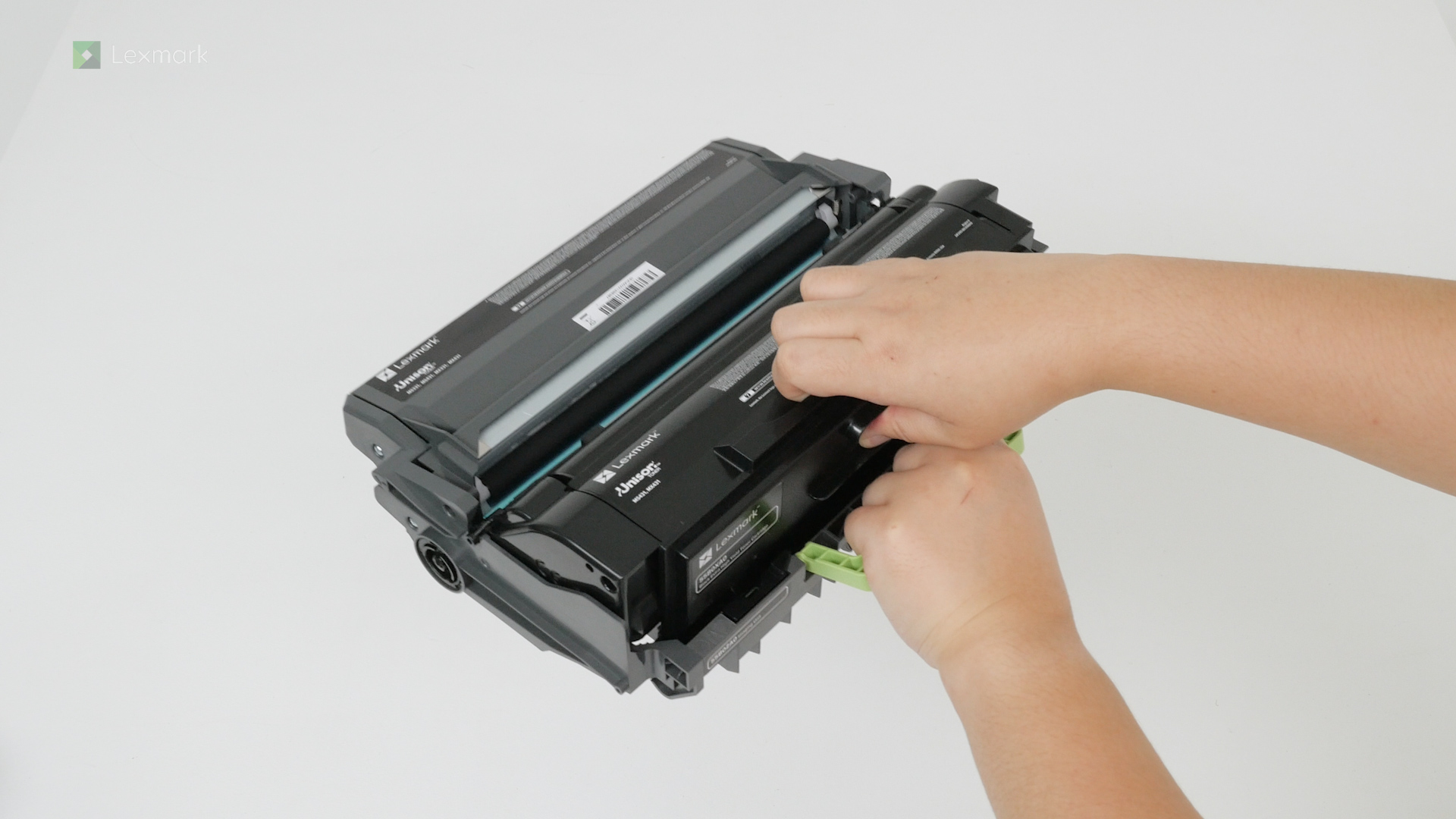
Install a new toner cartridge when you continue to see faded prints.
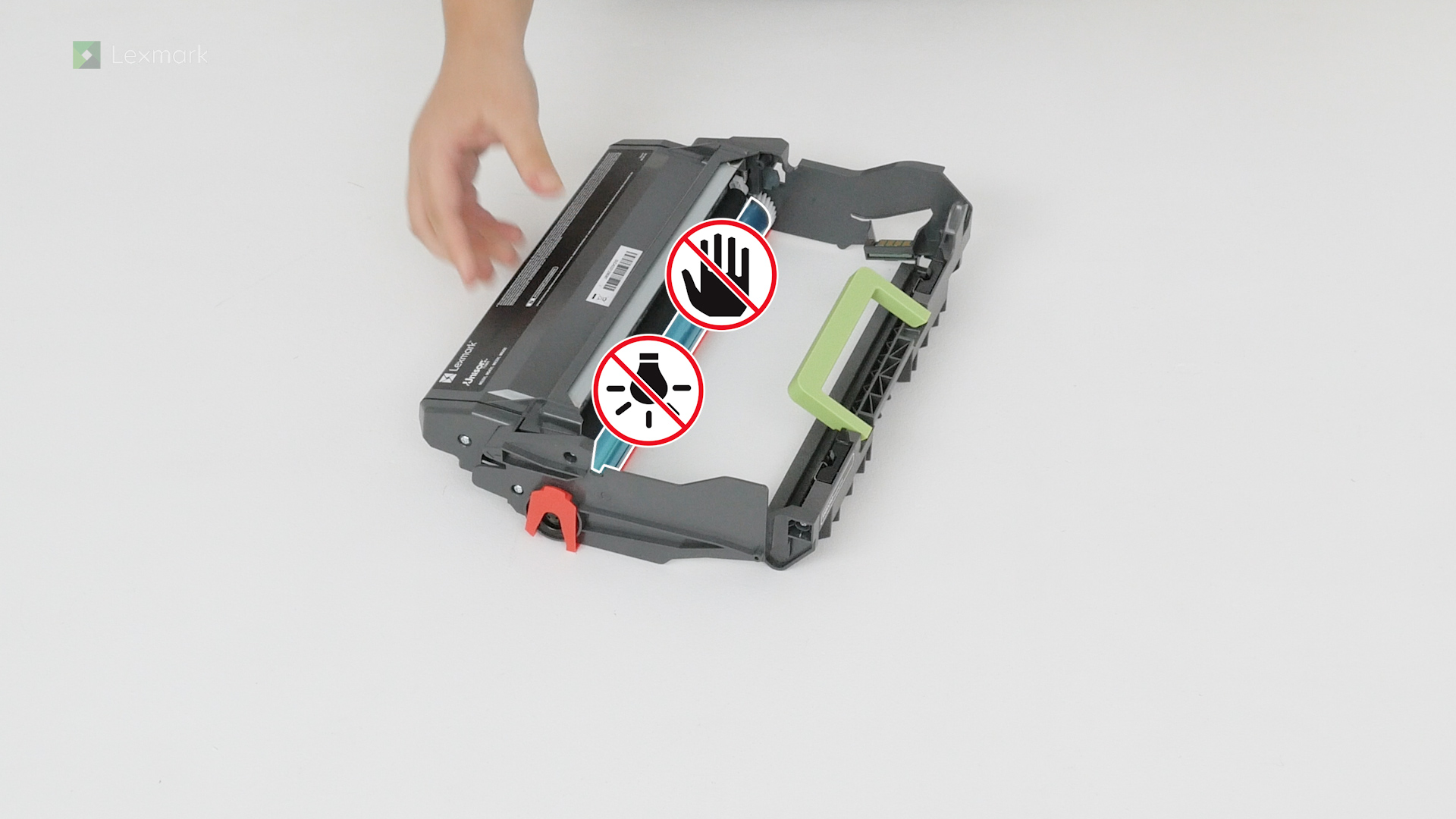
Avoid printing delays. Install a new imaging unit when the printer prompts you to replace it.
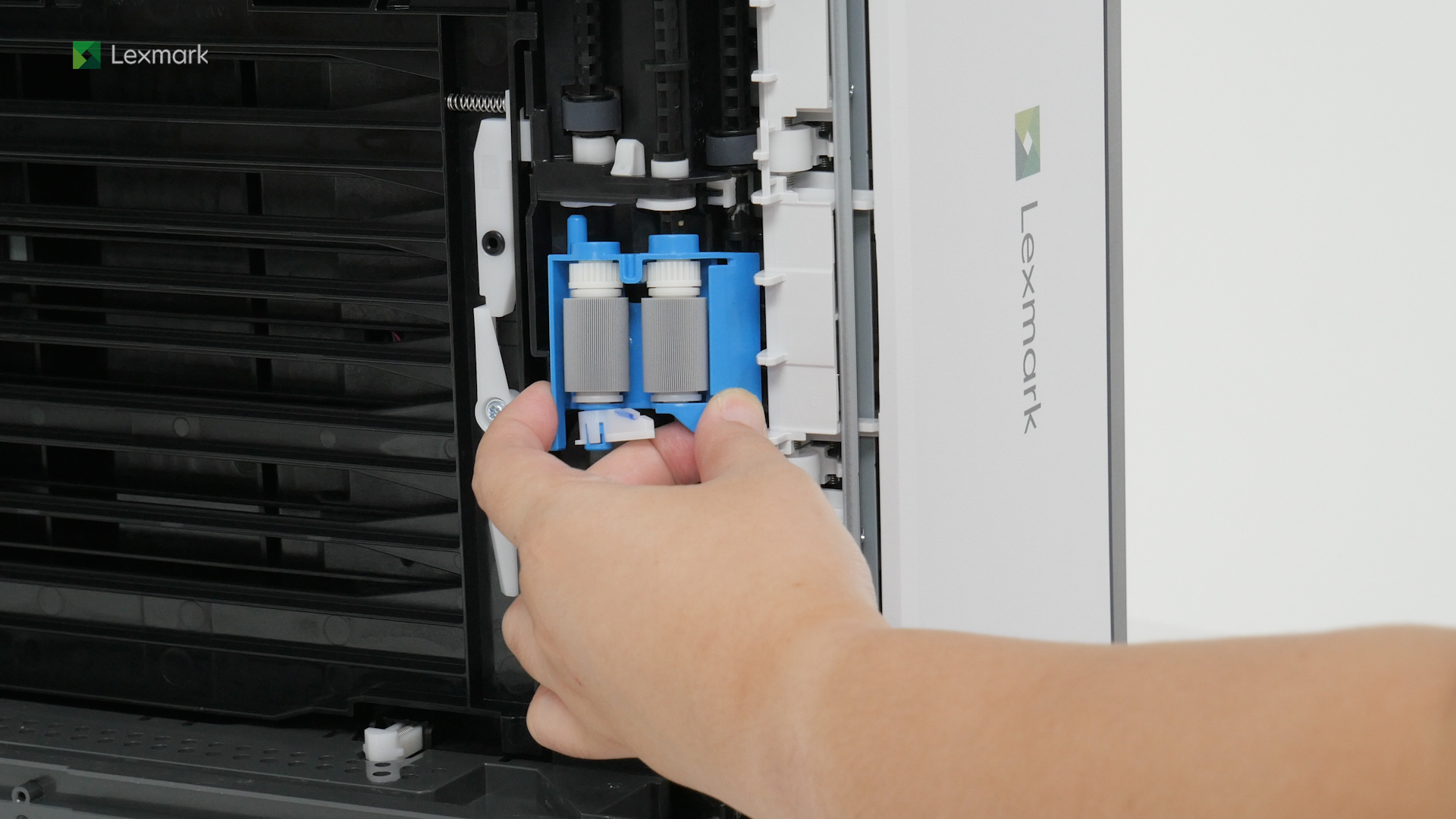
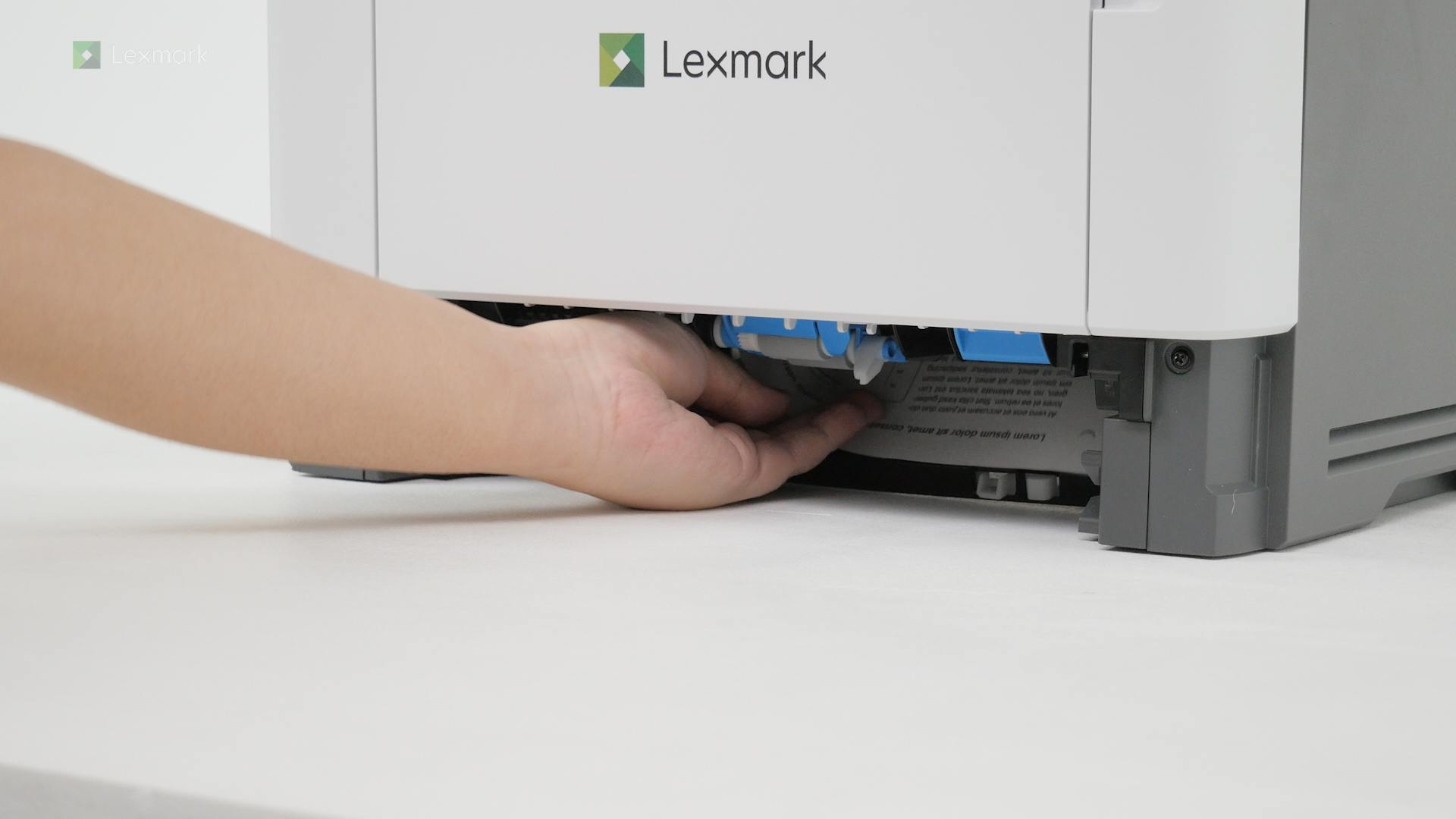
Learn how to change pick tires to prevent paper feed problems from happening again.
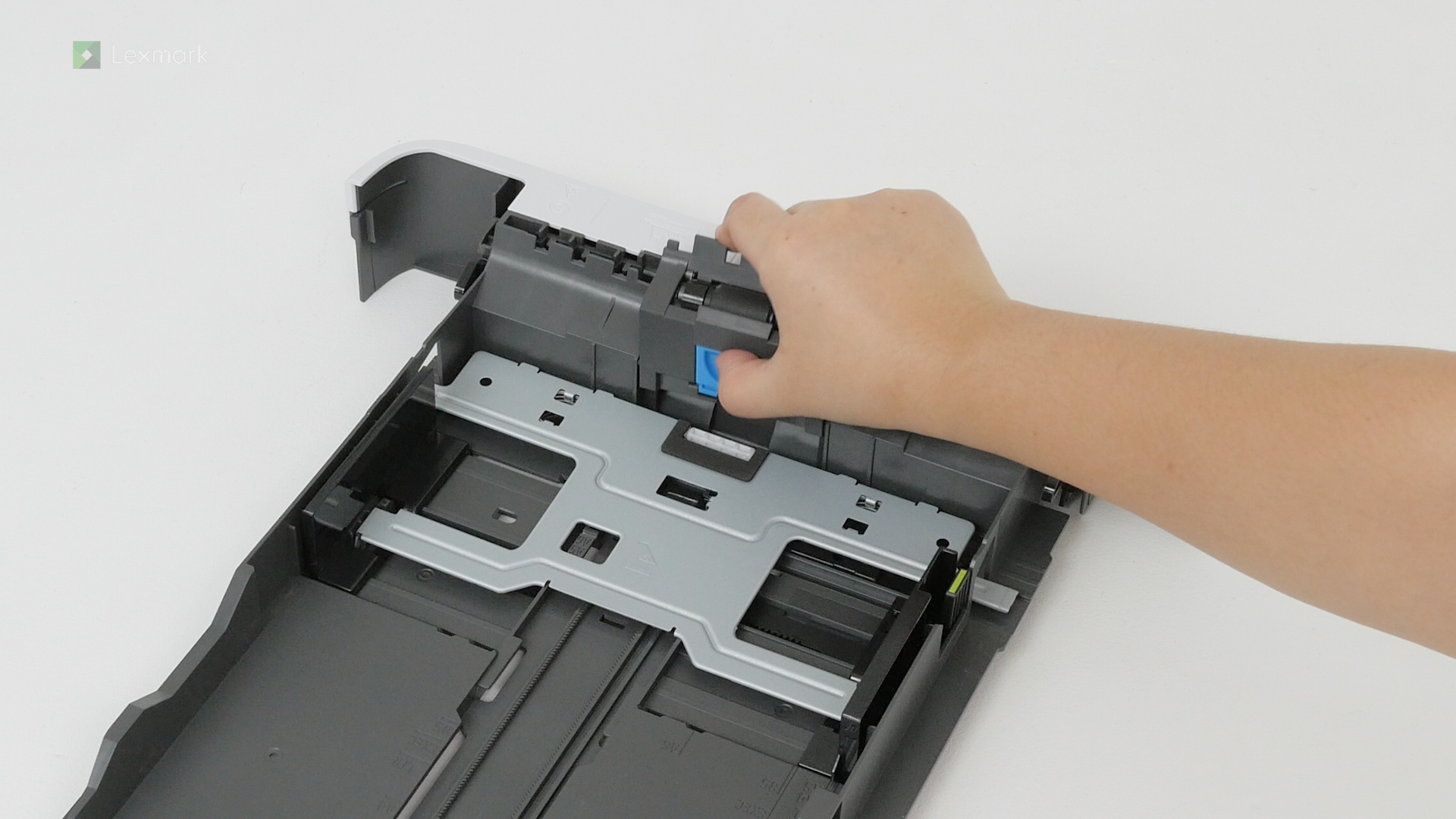
Learn how to install a new tray separator roller to avoid paper feed problems.
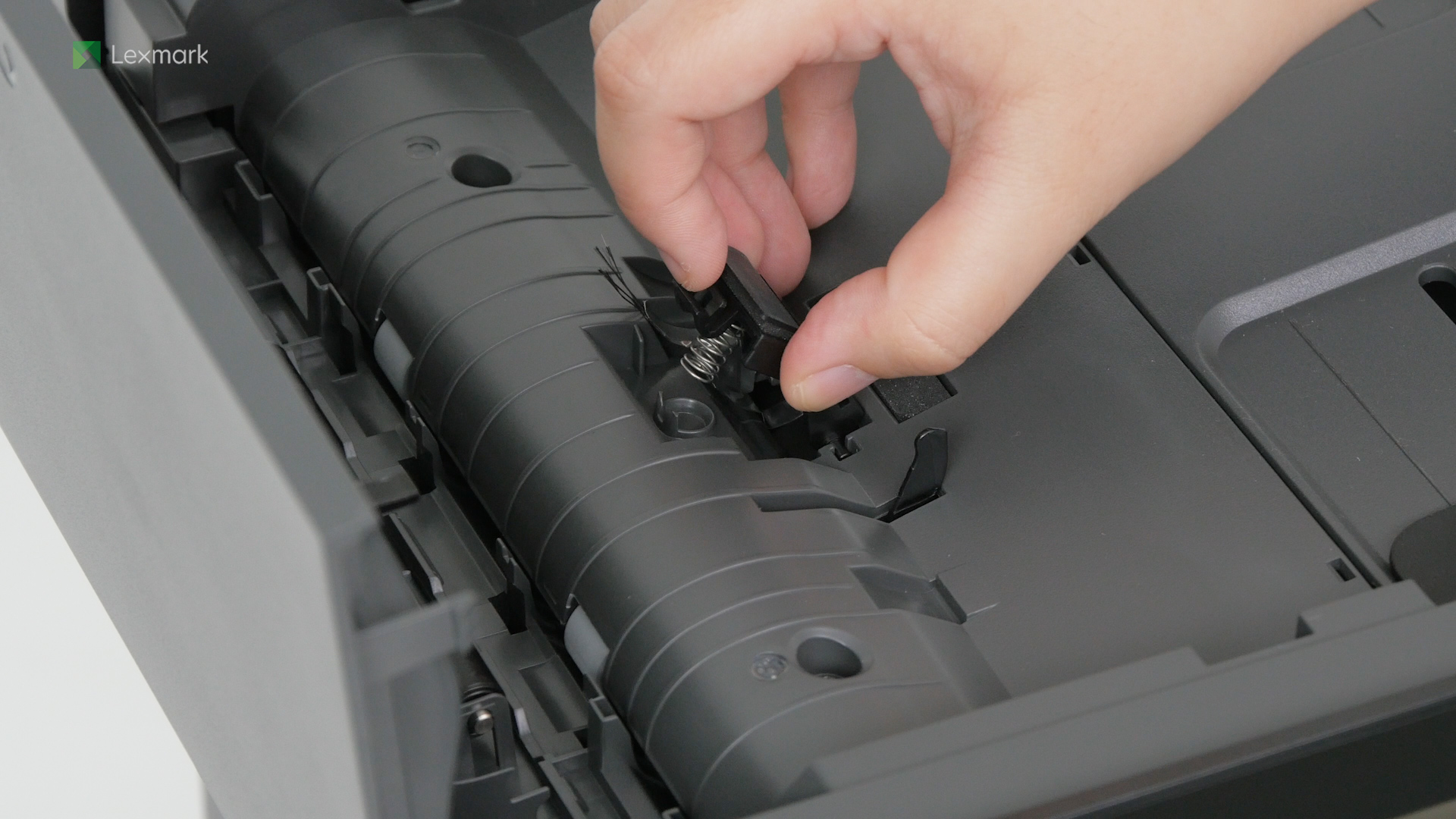
Learn how to install a new ADF separator pad to avoid paper feed problems.
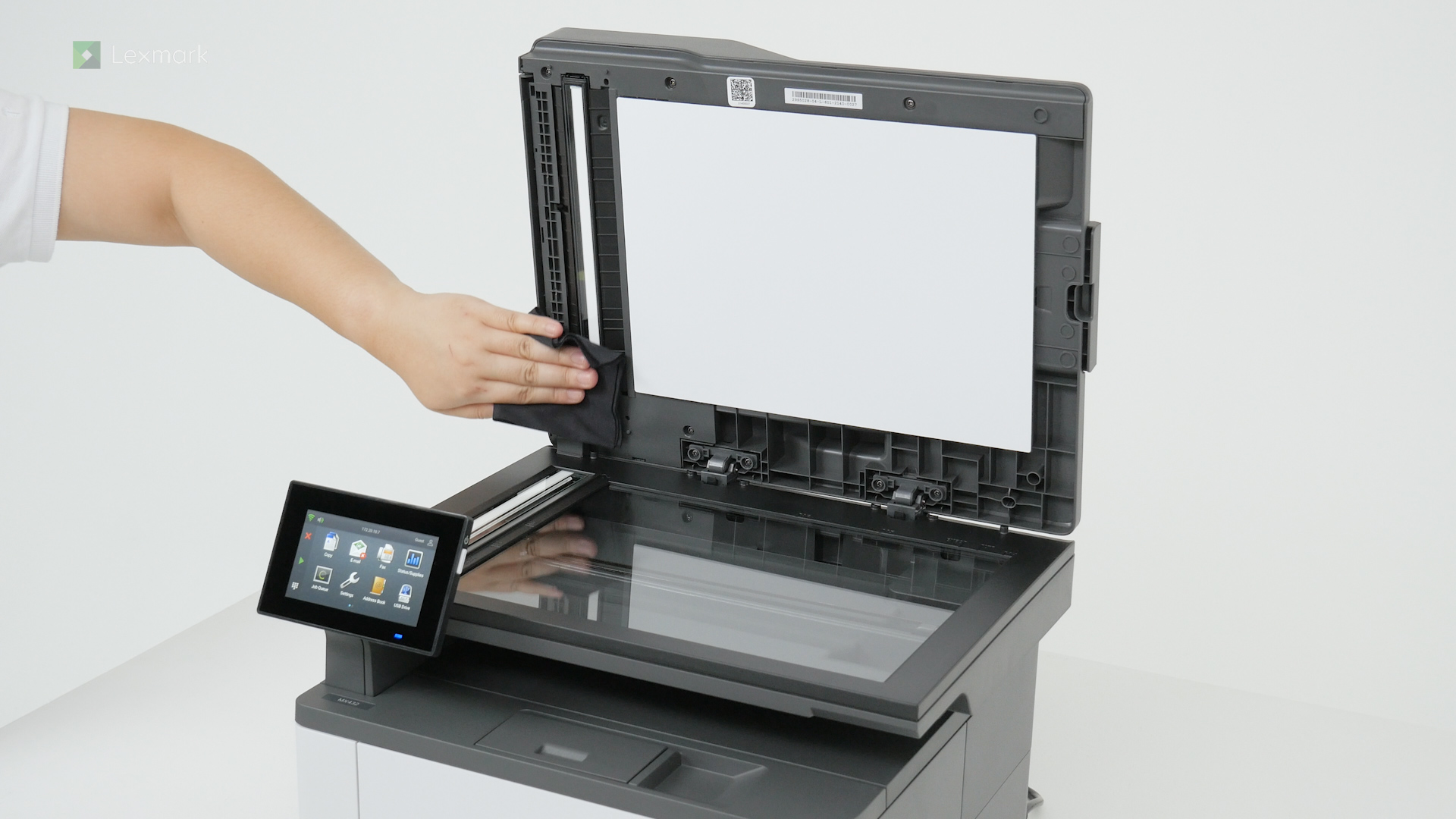
Clean your scanner periodically to avoid getting blurry and faded scanned images or text.
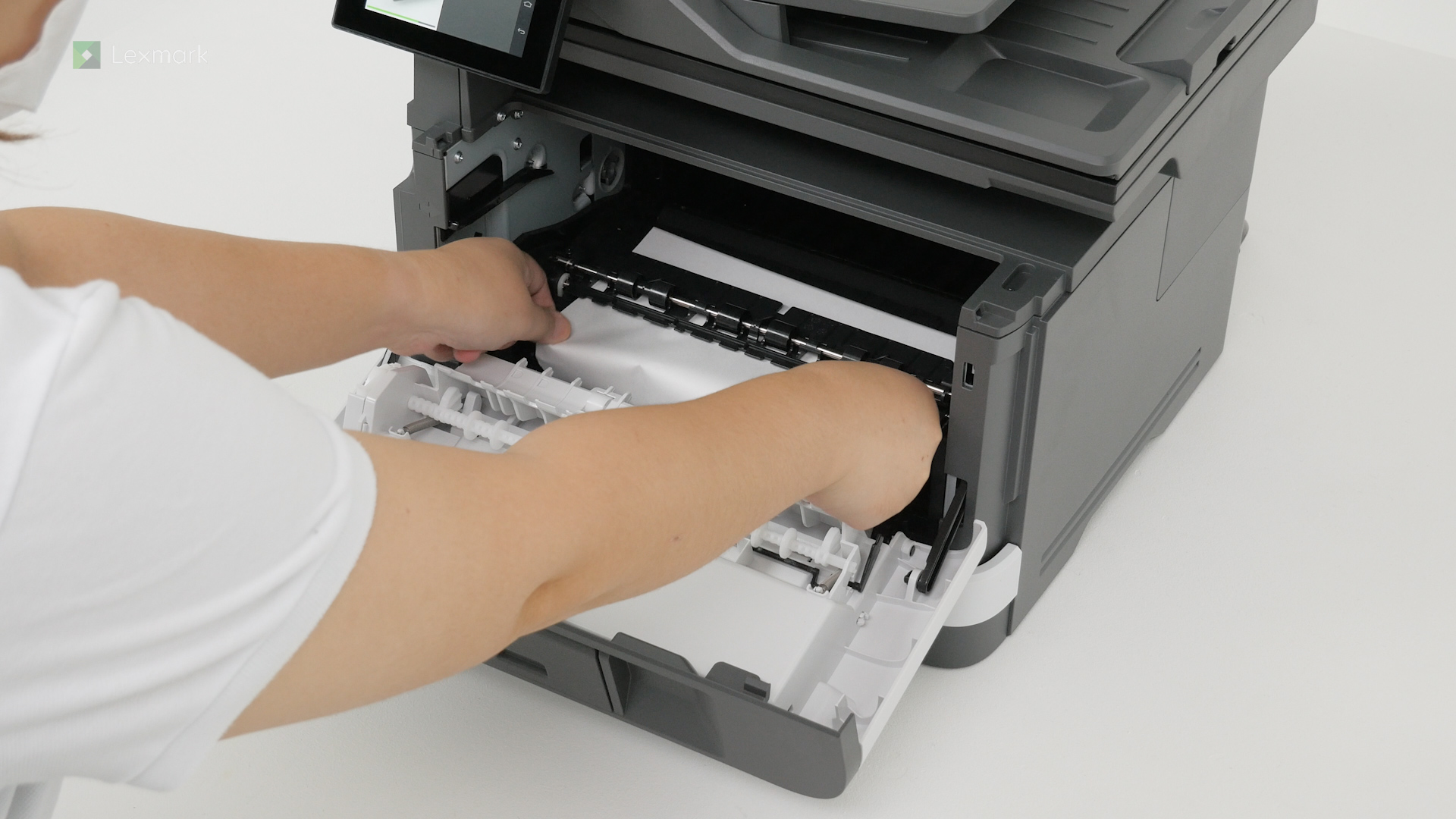
Remove paper that is stuck in door A to continue printing.
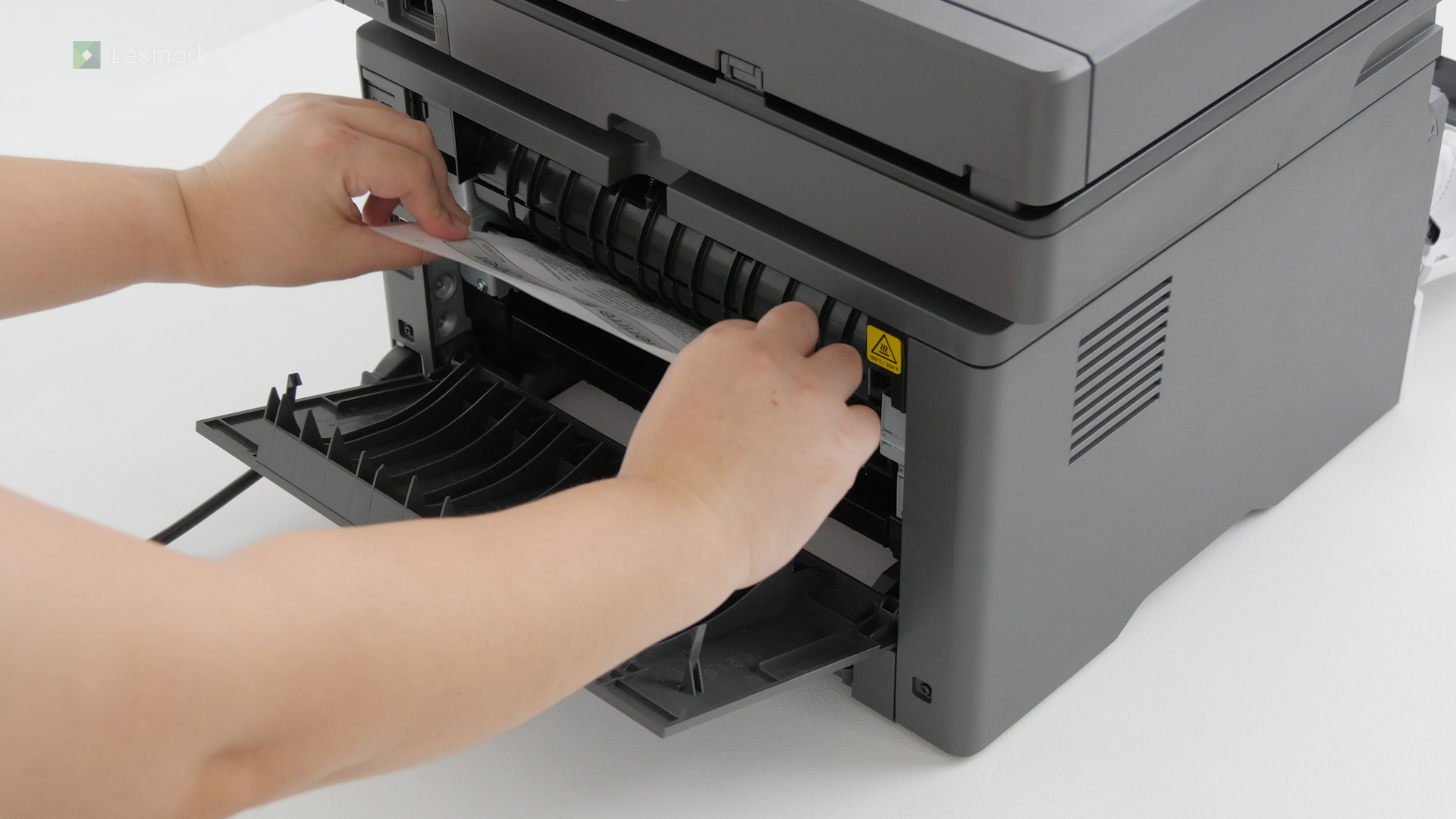
Remove paper that is stuck in door B to continue printing.
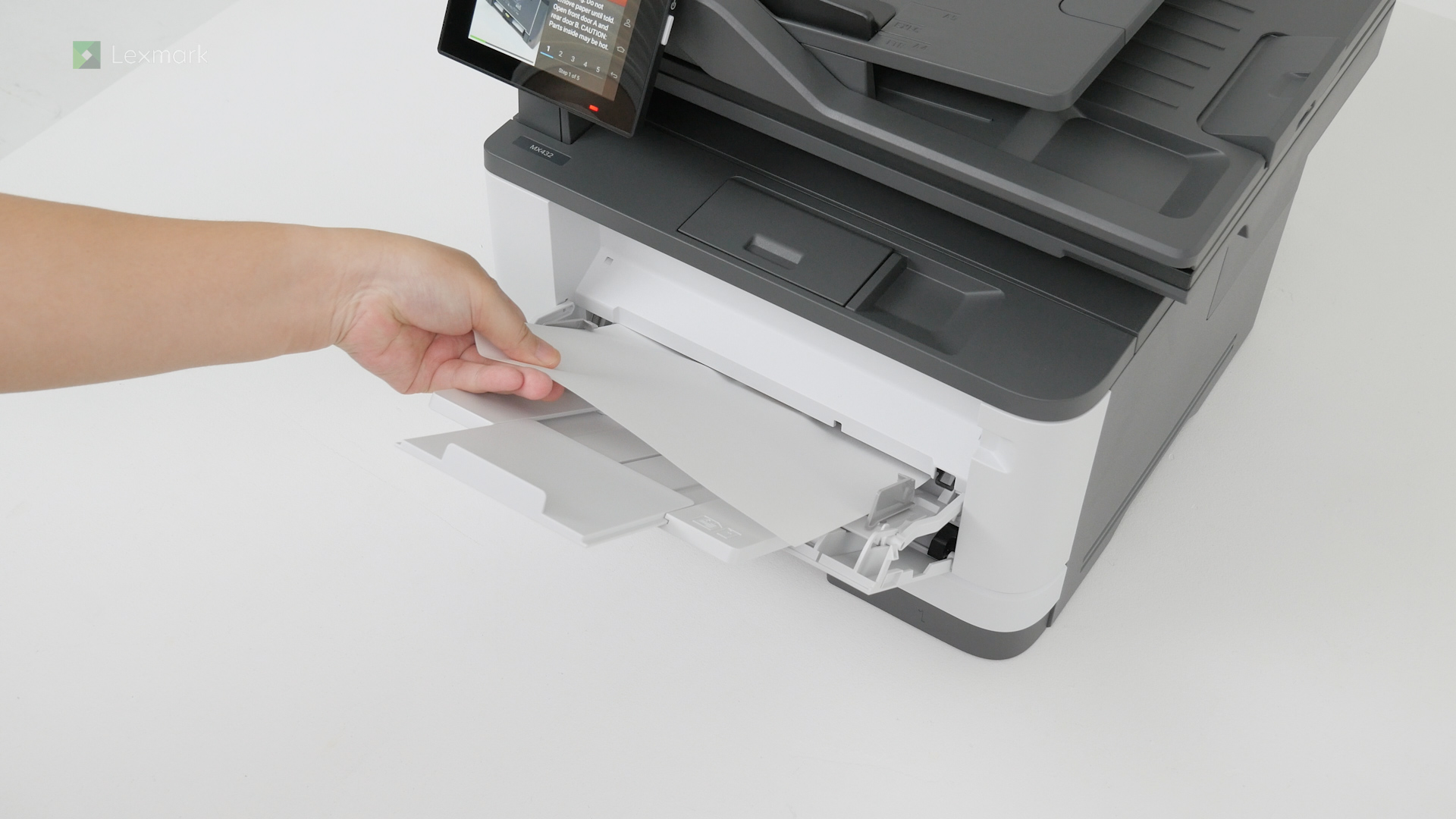
Remove paper that is stuck in the multipurpose feeder or MPF to continue printing.
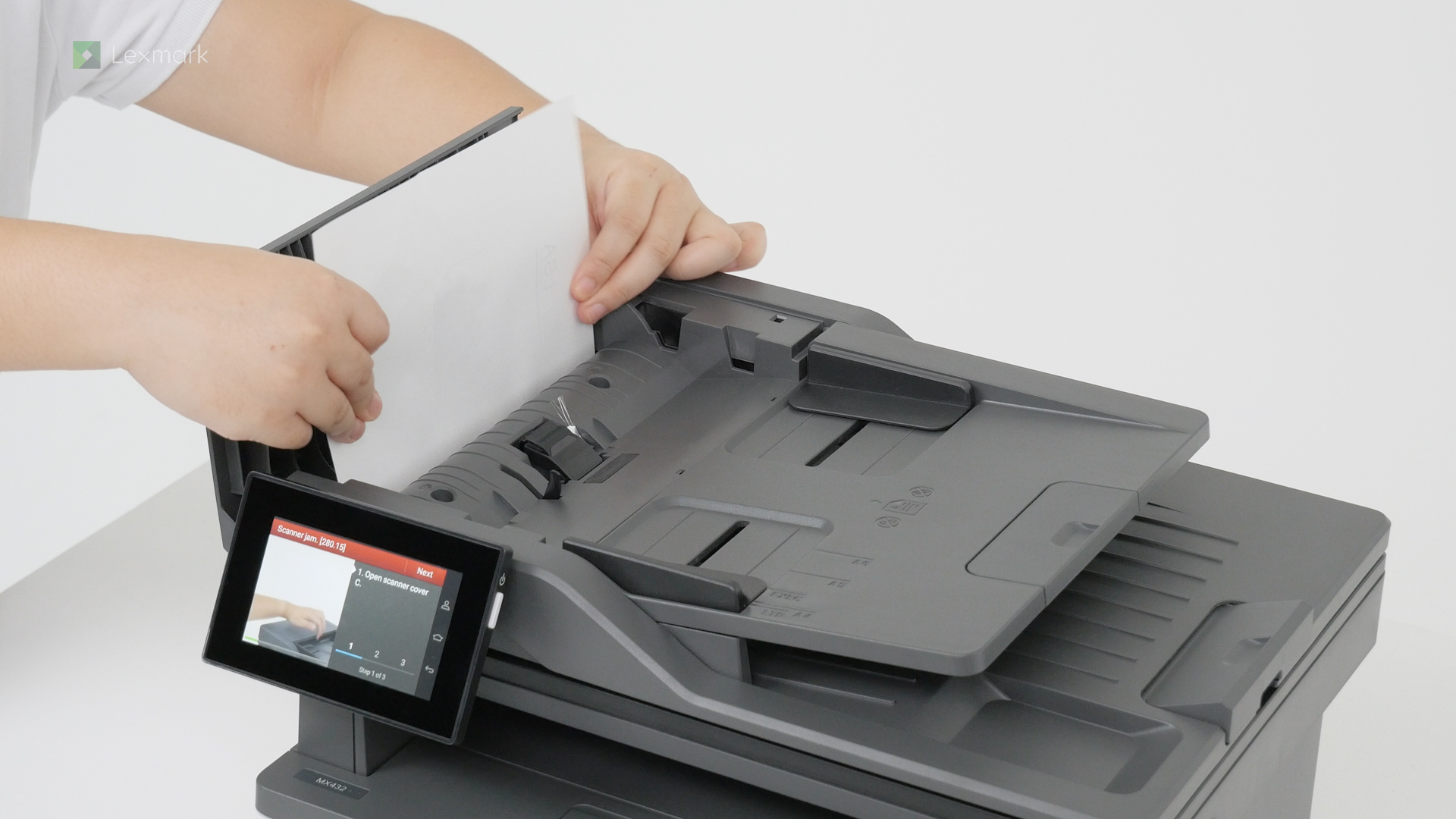
Remove paper that is stuck in the automatic document feeder to continue printing.
Remove paper that is stuck in the duplex unit to continue printing.
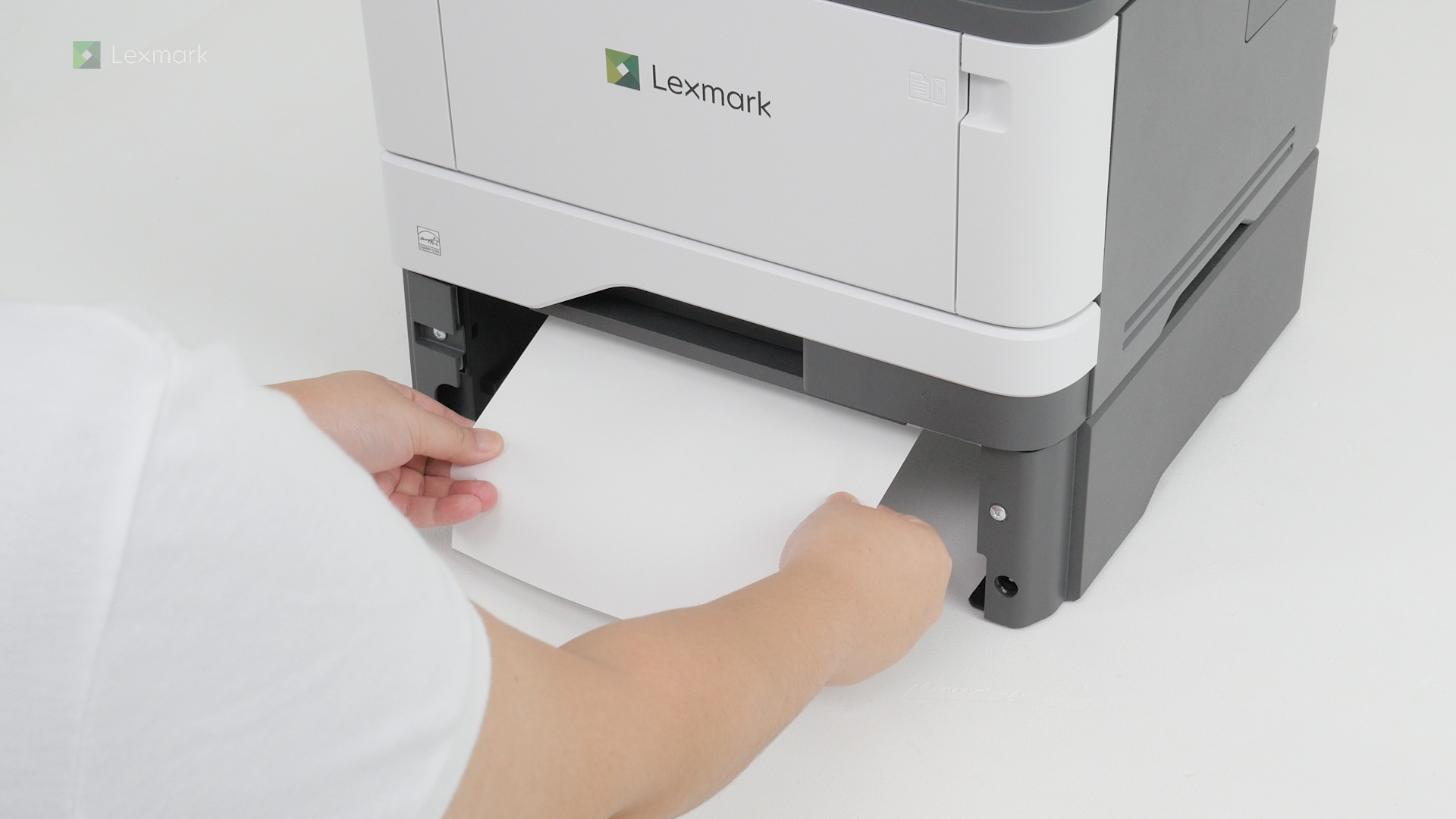
Remove paper that is stuck in the optional tray to continue printing.