Support article for Lexmark MX725
Copying Produces Lighter Than Expected Output on the MX72x and MX82x Series MFPs
Issue description
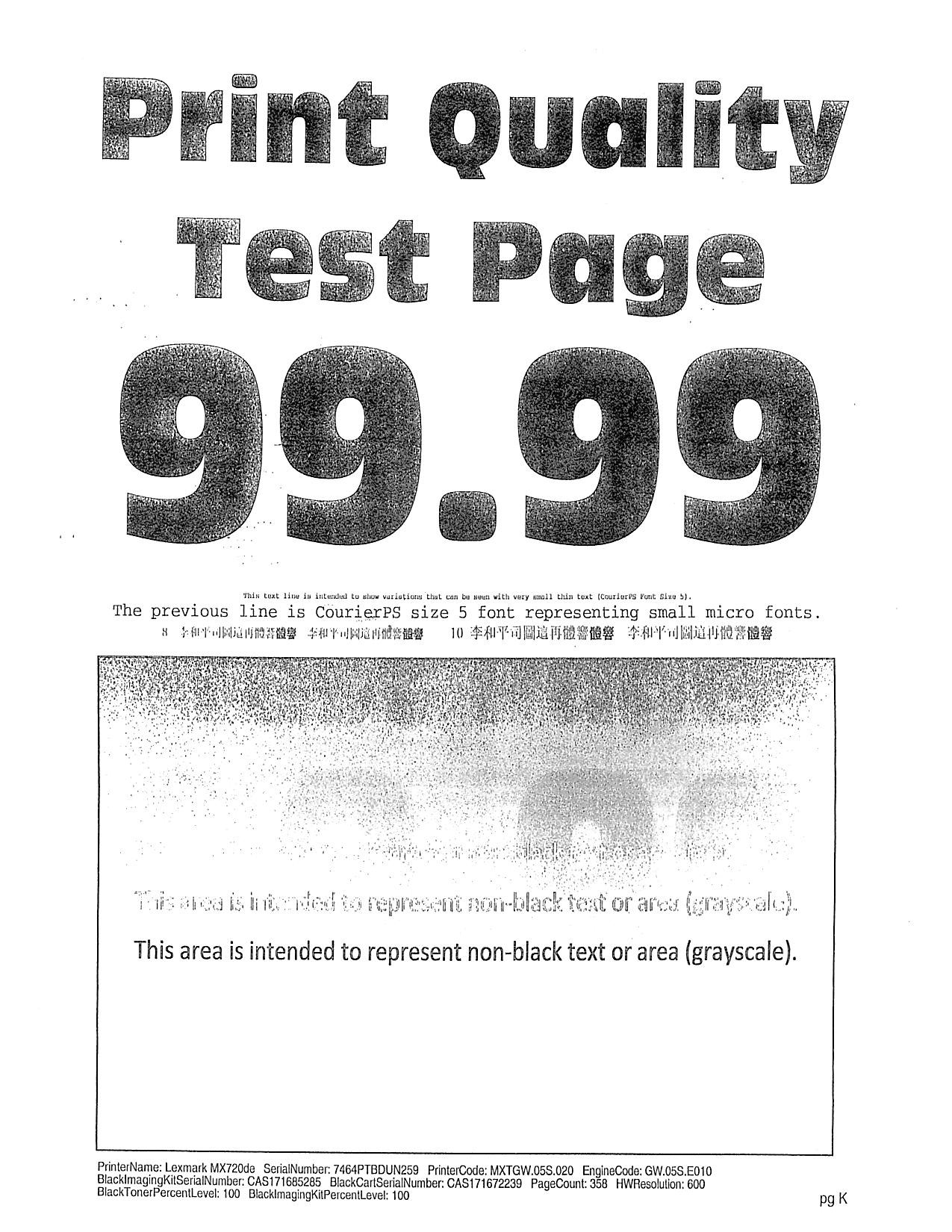
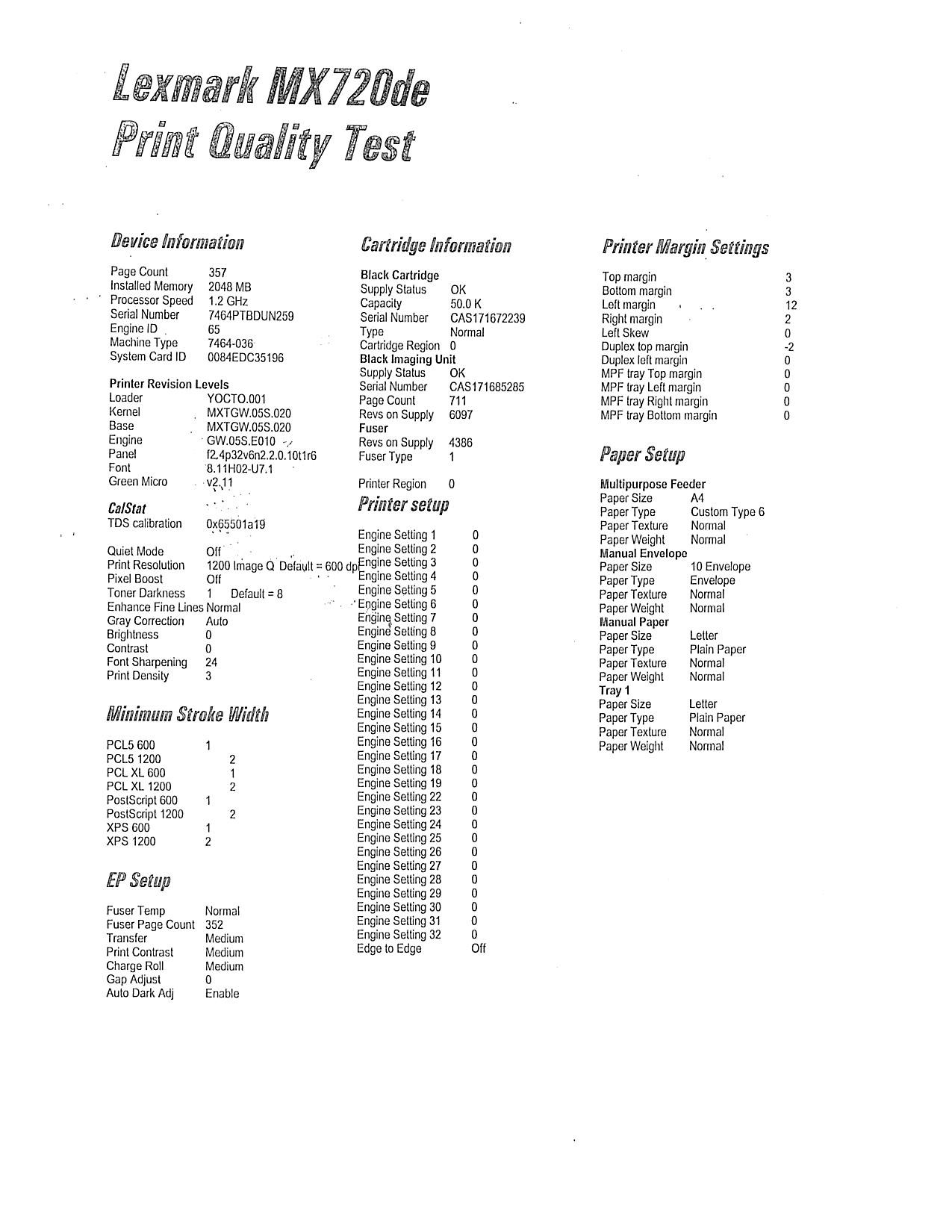
The issue is seen on new MFPs where the copy function results in Light Copies using the printers default copy settings. This occurs regardless of feed method, e.g., automatic document feeder (ADF) or flatbed.
However, the copy darkness is okay when scanning to network folder or sending a normal print job.
Solution
Check the printer’s current firmware (FW) and make sure that it does not have MXTGW.051.xxx or lower.
Update the printer firmware (FW) to MXTGW.052.023 and higher.
After performing an update on the Firmware, check the printers settings and make sure everything is set to default.
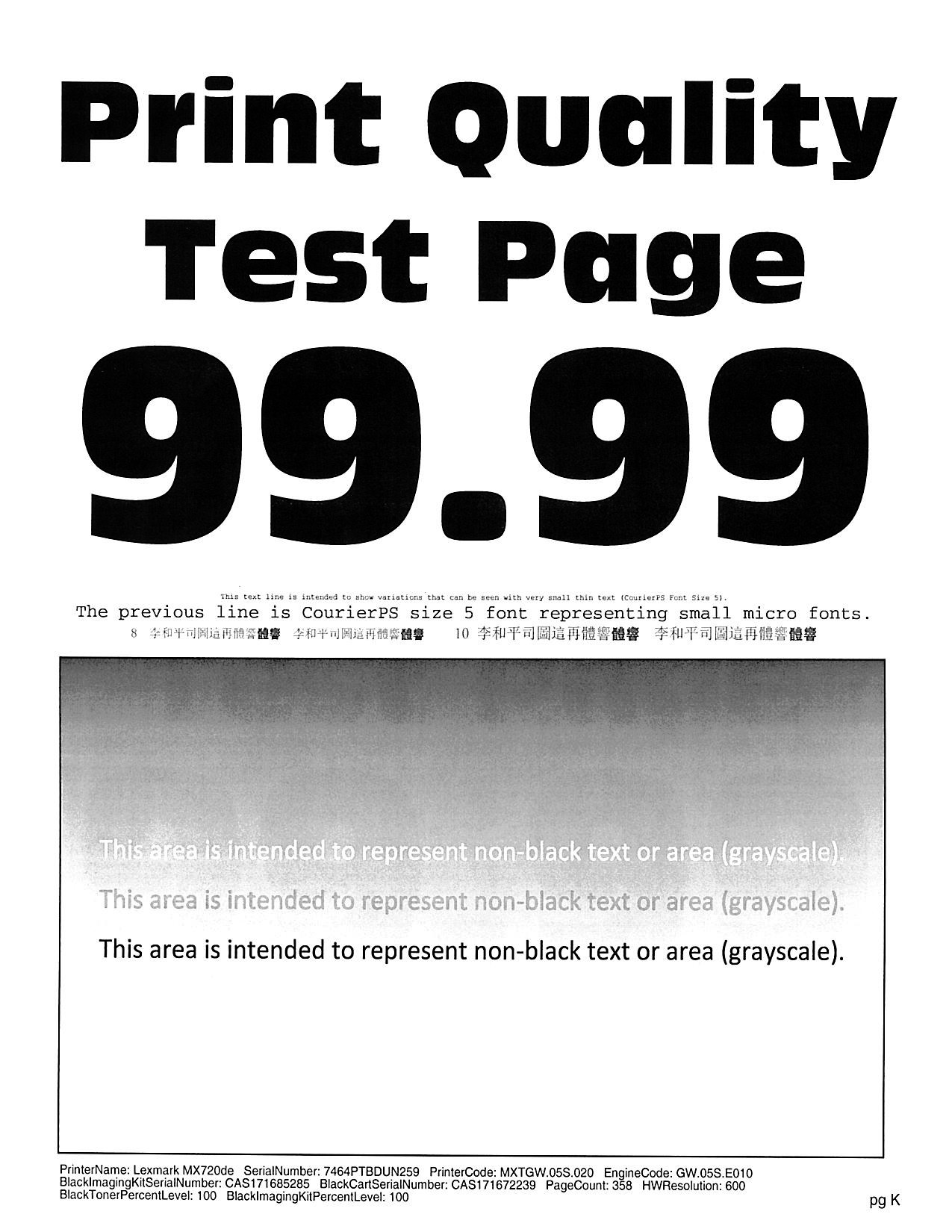
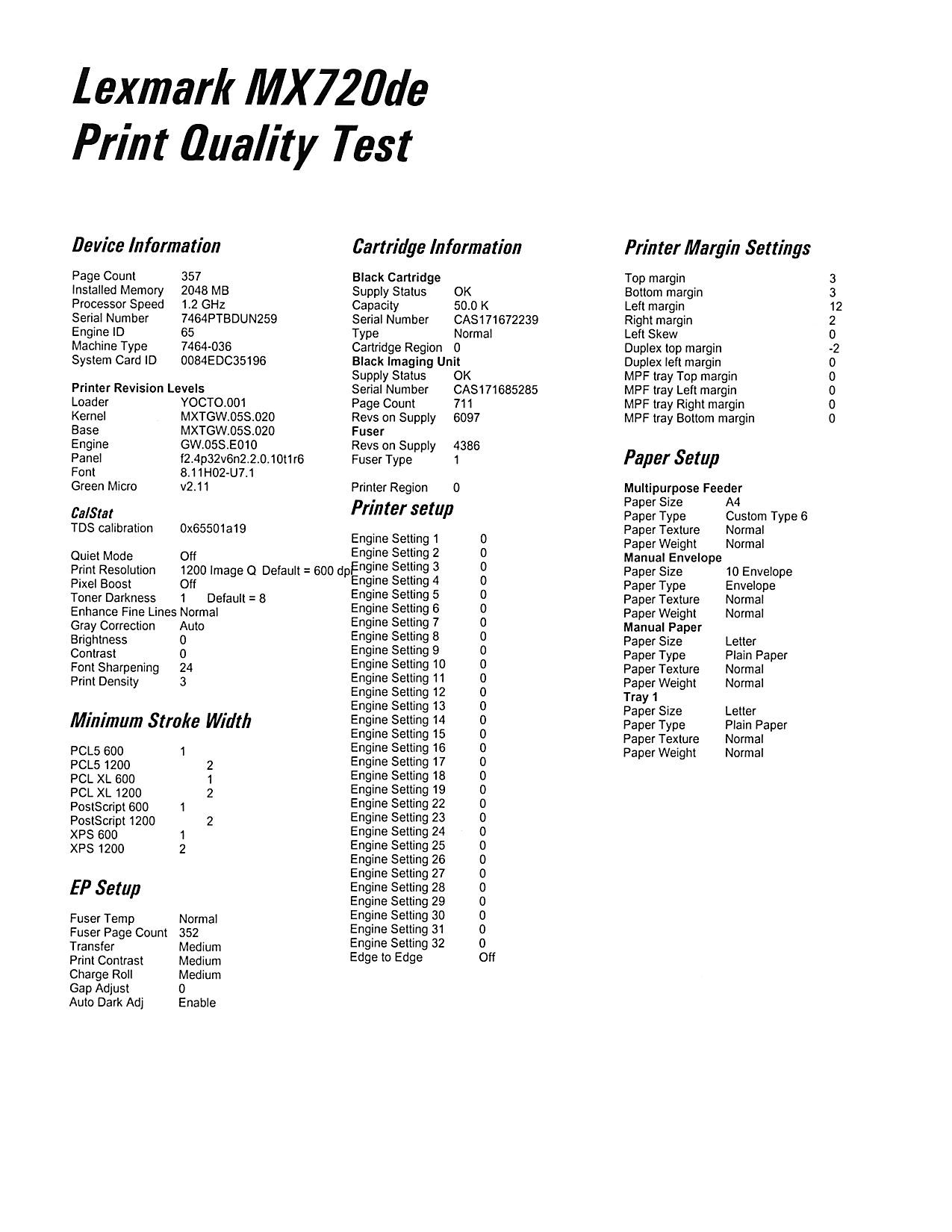
Print a test page and make a copy of it.
If the copy darkness is still light, adjust the Toner darkness settings and performing another copy.
Should the issue persist, change the "Text/Photo" under copy settings to "Text".

Additional information
This issue was first observed during the Start of Production (SOP). The SOP printers were reworked and upgraded to firmware version GW.051.053. Eval units were not reworked and upgraded and were already shipped before this issue was resolved. This is why the issue is only seen on these selected models.
Exposed ranges:
- Production: March 12, 2018 – April 21, 2018
- MFP SNs: 7464811020001 - 7465811020060
LEGACY ID: SO8653
Rate this article
We appreciate your feedback. We use it to identify content which needs to be updated for accuracy or usefulness.
Thank you for your feedback!