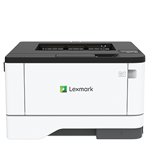
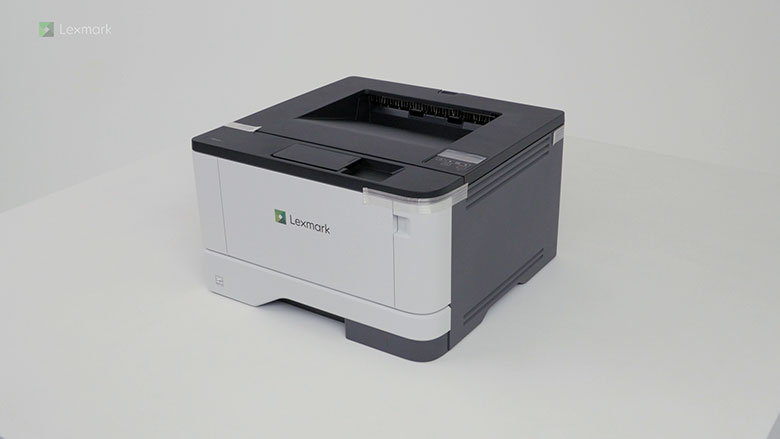
Printer features: Laser, print only, black & white
Lexmark B3340 Support
This video shows you how to set up your new printer.
Learn how to configure the printer using the initial setup wizard.
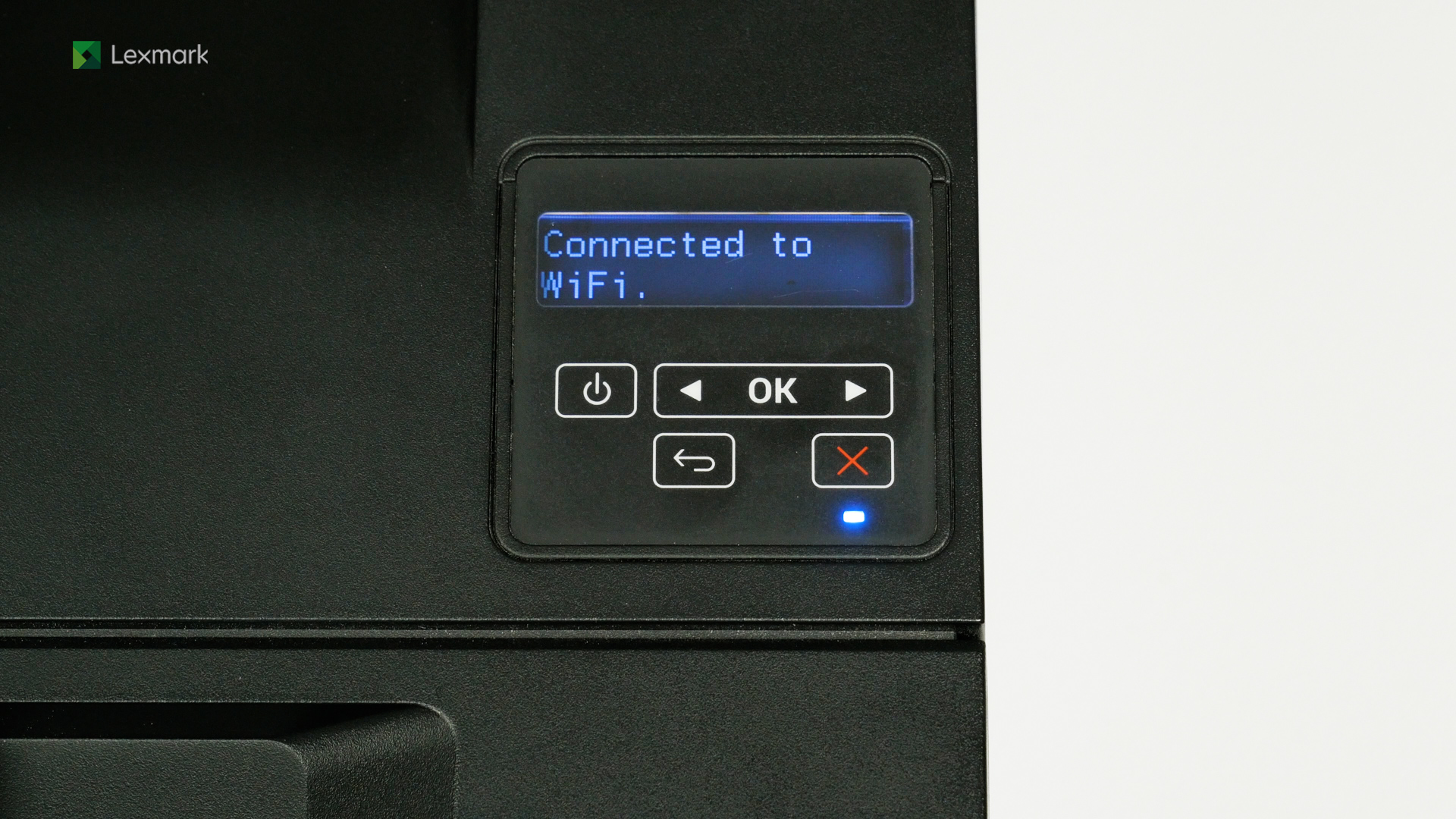
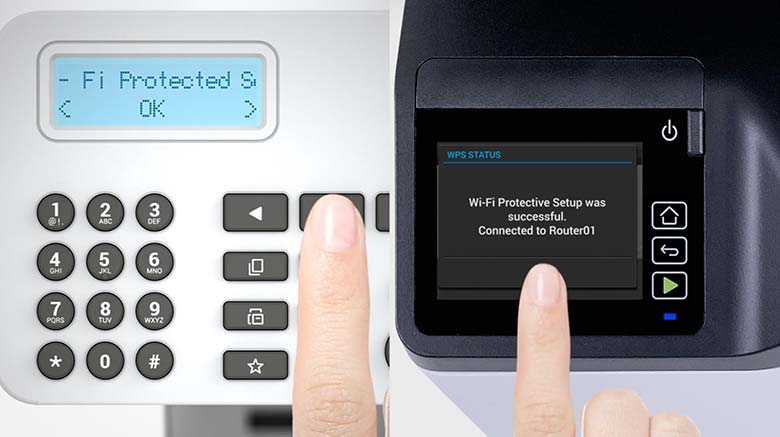
Learn how to connect your printer to a wireless network using Wi-Fi® protected setup or WPS.
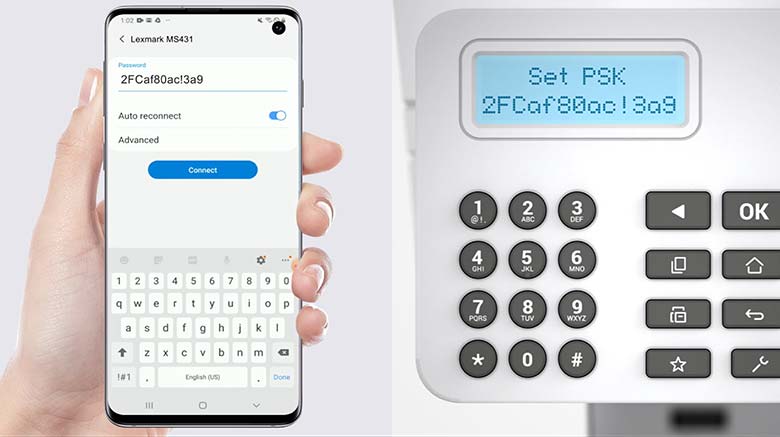
Learn how to connect your mobile device to a printer with 2‑line LCD.
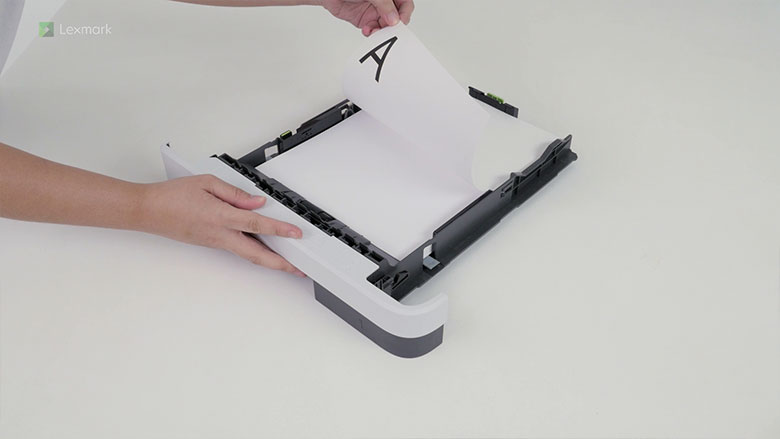
Learn how to load paper in the tray.
Learn how to load paper in the multipurpose feeder.
Learn how to replace a toner cartridge.
Learn how to replace the imaging unit.
Learn the steps of replacing the tray pick roller to avoid paper misfeed and jam.
Learn the steps of replacing the tray separator roller to avoid paper misfeed and jam.
Learn how to remove the jammed paper in the tray.
Learn how to remove the jammed paper in the multipurpose feeder.
Learn how to remove the jammed paper in the duplex unit.
Learn how to remove the jammed paper in the rear door.